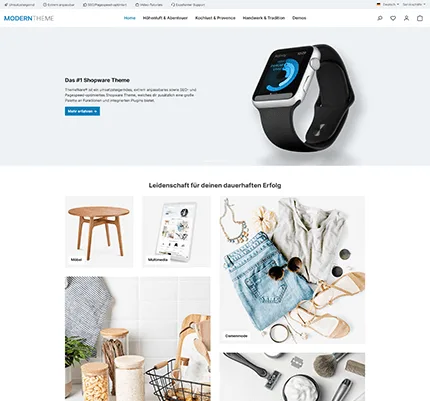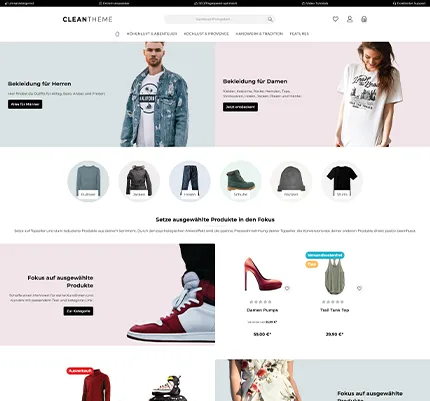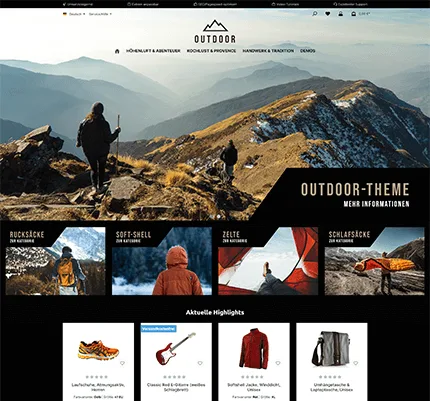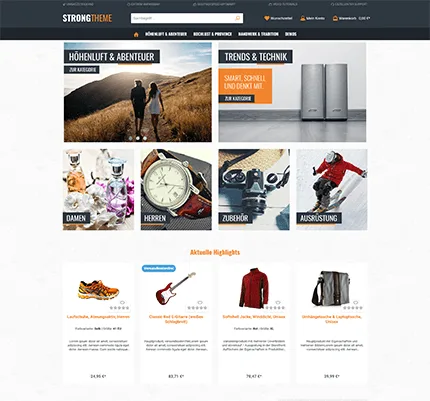
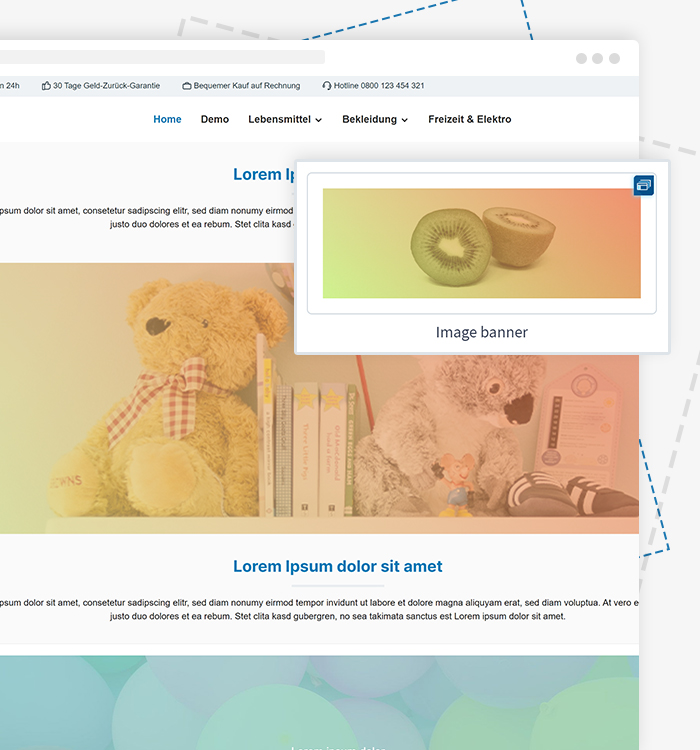
Banner
Easy to configure, visually appealing display options, perfect for custom campaigns.
The most popular Shopware 6 theme in a direct comparison with the standard template — features, design, performance and support. Find out why 17,000+ shops rely on ThemeWare®.
In this overview you can see at a glance which features ThemeWare® includes — and what Shopware Standard does not offer.
| Feature | ThemeWare® | Shopware Standard |
|---|---|---|
| Design variants | 10+ pre-built variants | 1 standard design |
| Configurations | 1,350+ settings | Basic configuration |
| Included plugins | 87+ plugin features | None |
| CMS blocks & elements | 85+ additional blocks & elements | Standard blocks |
| Header layouts | Multiple layouts + custom header | 1 standard header |
| Footer configuration | 3 areas, columns, widgets | Basic footer |
| Sticky navigation | Included | Not included |
| PageSpeed optimization | 100/100 Lighthouse | Basic optimization |
| Accessibility (WCAG) | Included | Partial |
| Google WebFonts (GDPR) | Locally embedded | Not included |
| Pro shopping experience | With 1-click demo | Not included |
| Online courses & tutorials | 3 courses (value: €327) | Not included |
| Knowledge base | Comprehensive | Community-Docs |
| Plugin compatibility | HC-Architecture® | Standard |
With the ThemeWare® Shopware Theme & Template you get a unique combination of design variety, sales promotion and technical excellence. From individual basic settings to professional Shopping Experiences to integrated plugins – every feature has been developed to make your shop more successful.
Easy to configure, visually appealing display options, perfect for custom campaigns.
Integrate a breadcrumb navigation as a CMS block in your Shopping Experiences for improved usability and SEO.
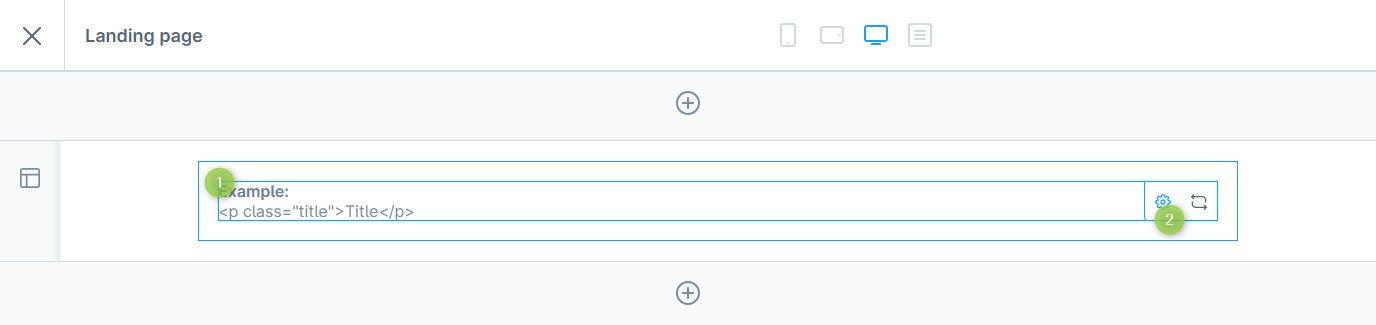
Add custom HTML code elements to your Shopping Experiences for maximum design freedom.
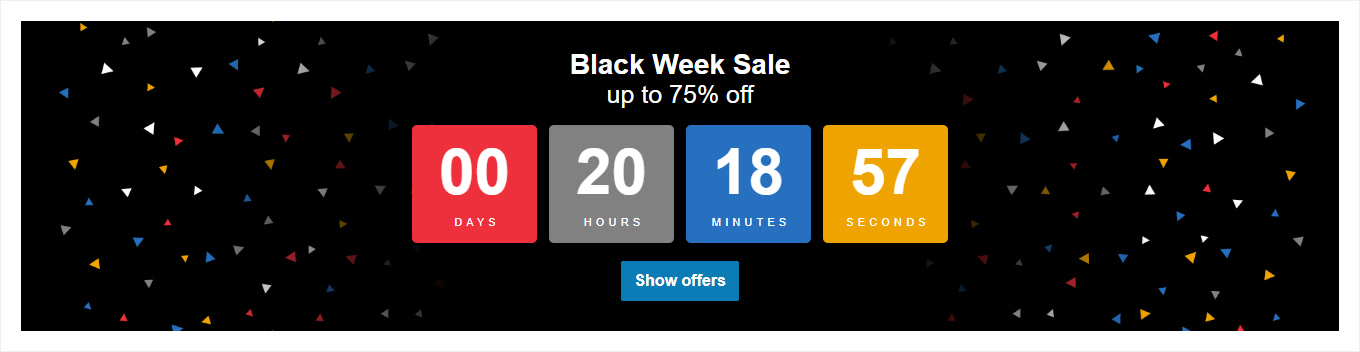
Create countdown banners for sales promotions and limited-time offers directly in your Shopping Experience.
Create responsive image galleries in your Shopping Experiences for a visually appealing product presentation.
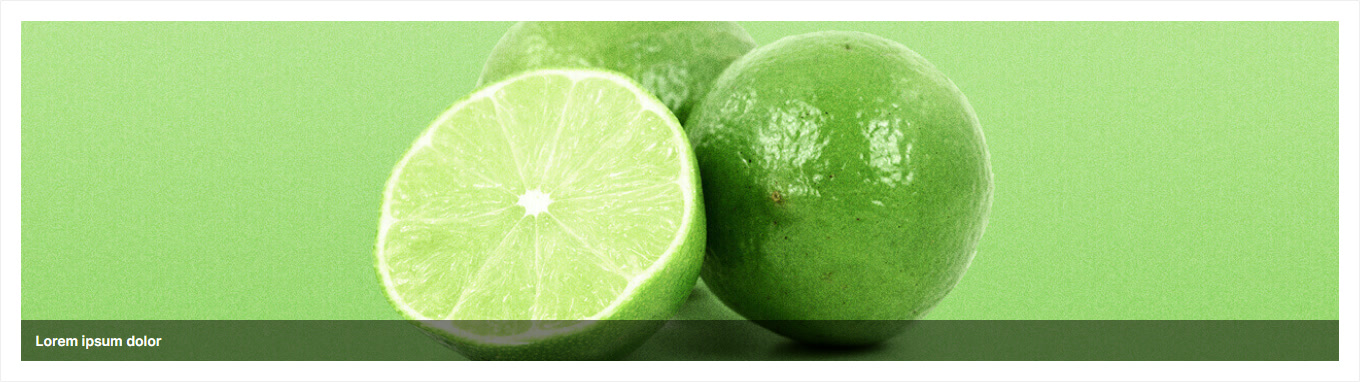
Present product categories as visually appealing teaser elements in your Shopping Experiences.
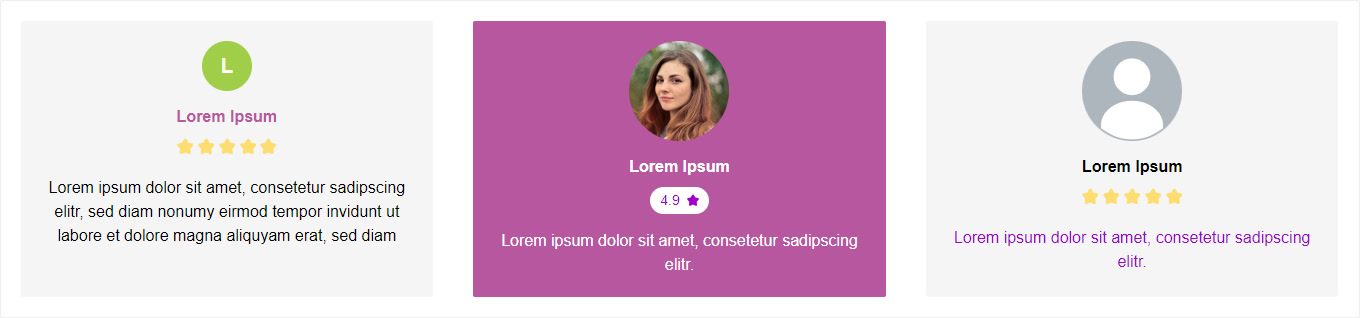
Integrate customer reviews and testimonials as a CMS block in your Shopping Experiences.
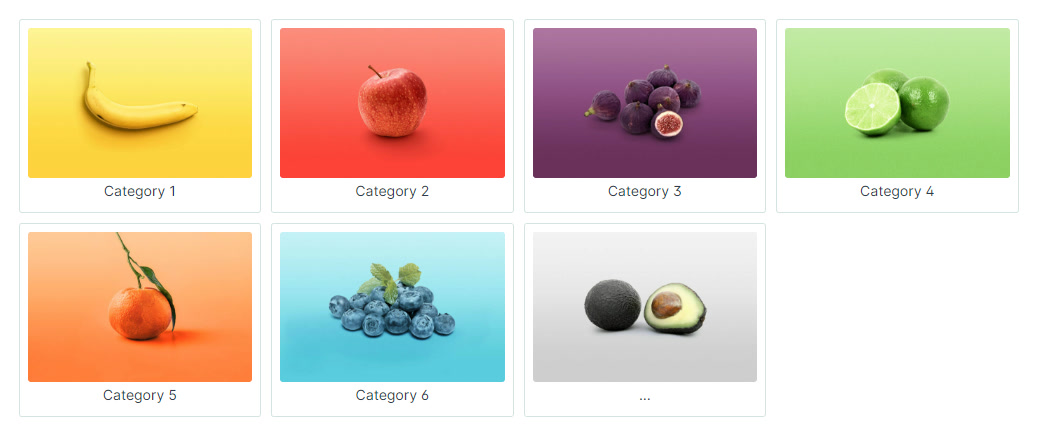
Display subcategories directly in Shopping Experiences for intuitive navigation through your product range.
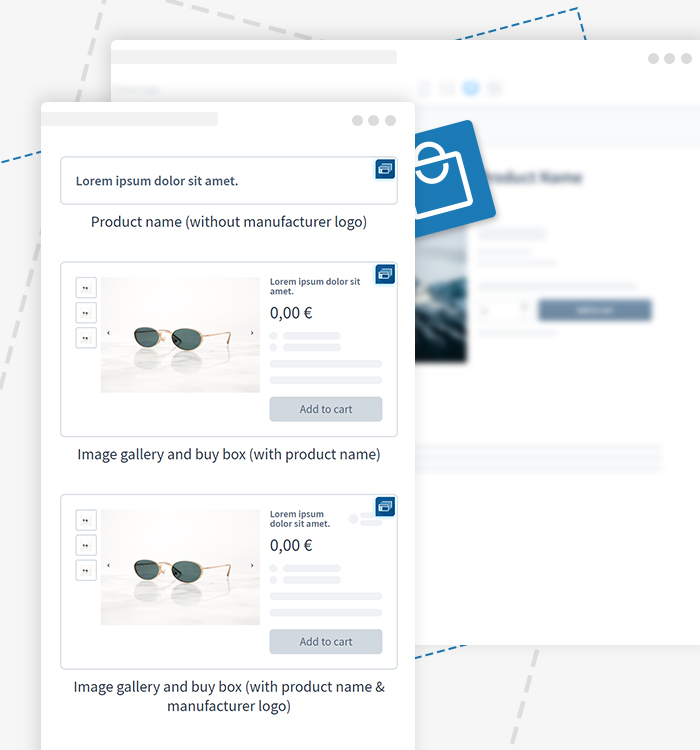
Boost your conversion rate by leveraging flexible design options to showcase your products.
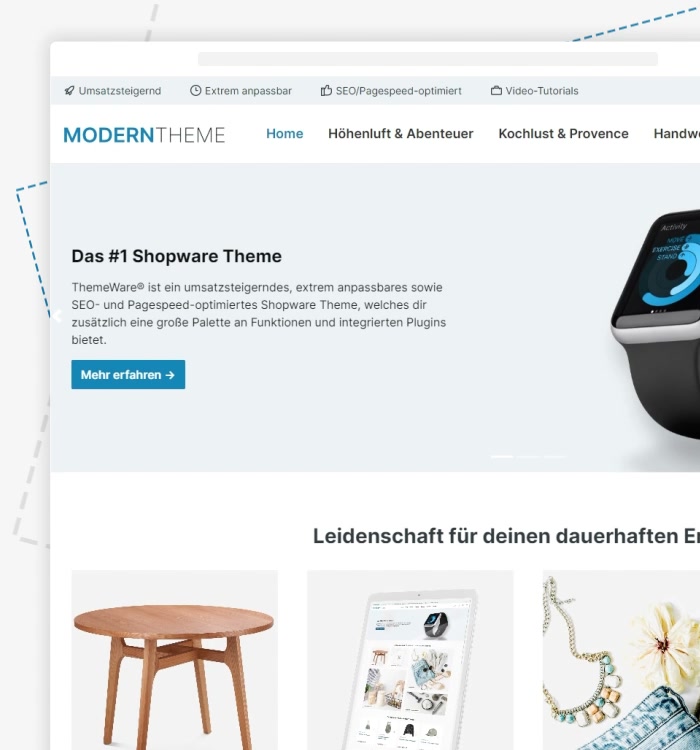
Bring your online Shopping Experiences to life with our CSS animations. Give your store a unique feel, delight your users and boost your conversions.
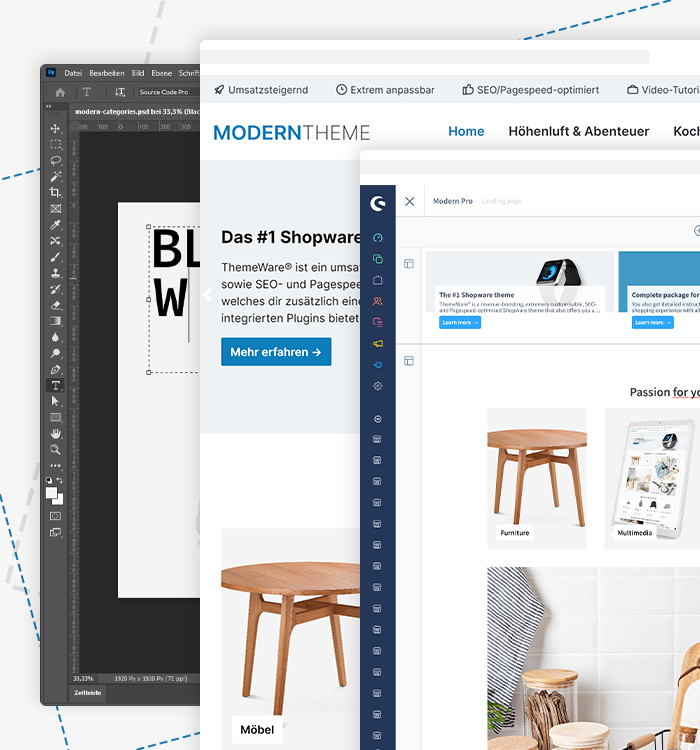
Shopping Experiences offer endless design possibilities for your Shopware online store. Use ThemeWare® CSS classes for custom design elements and advanced configuration of CMS blocks and CMS sections.
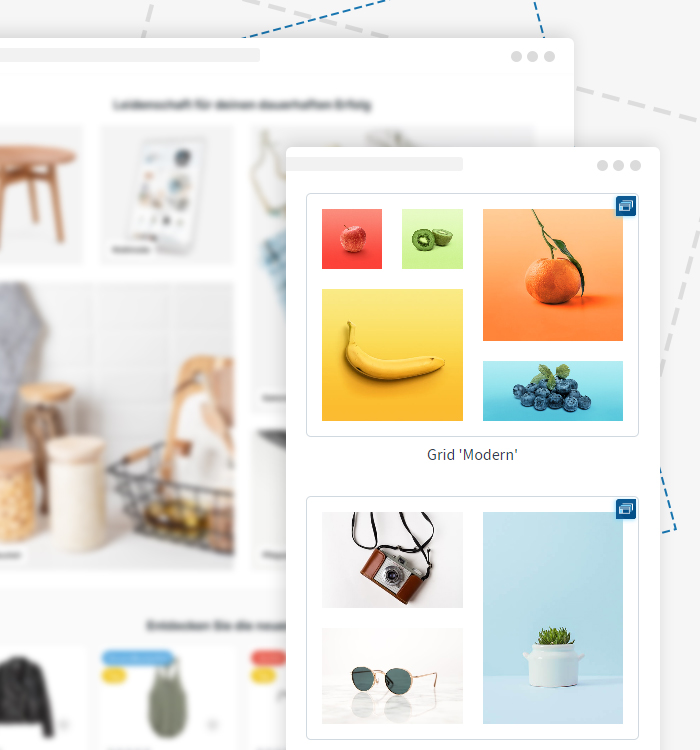
Optimize your CMS content with ThemeWare® grid blocks – simple and versatile solutions for flexible content presentations. See the possibilities for yourself.
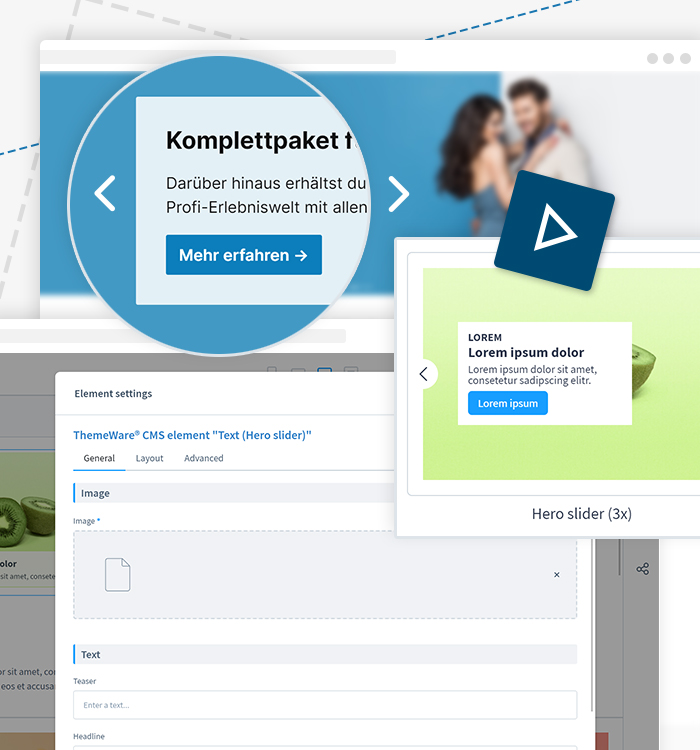
Give your online store that special touch with the Hero Slider! Showcase your products and offers attractively and boost your sales.
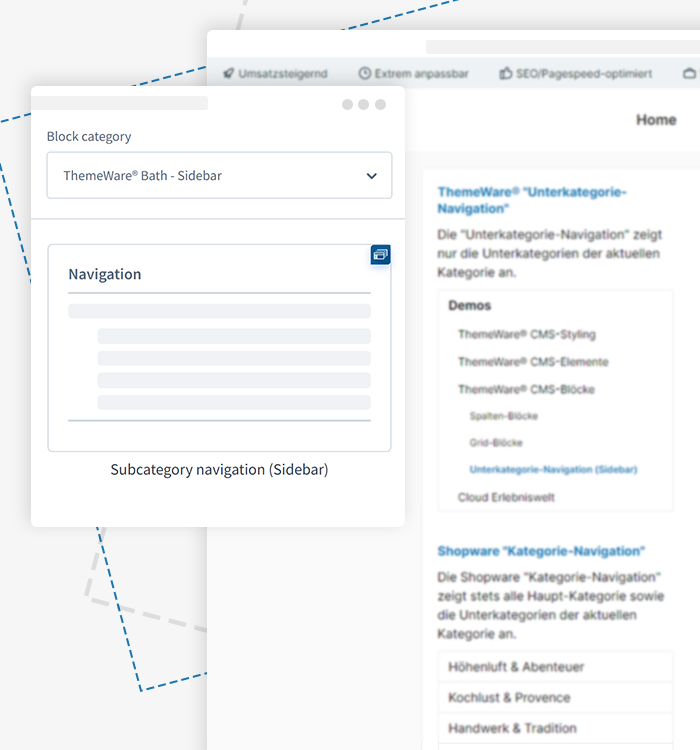
Use the sidebar so your visitors always have access to important content and features. Enhance your store's usability with custom sidebar elements.
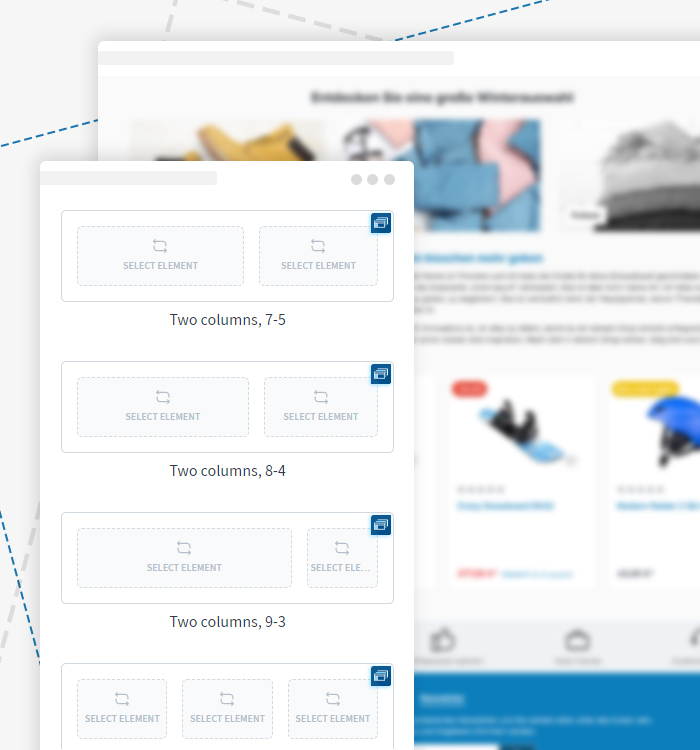
Numerous column blocks from two to six columns are available – design your Shopping Experience with just a few clicks.
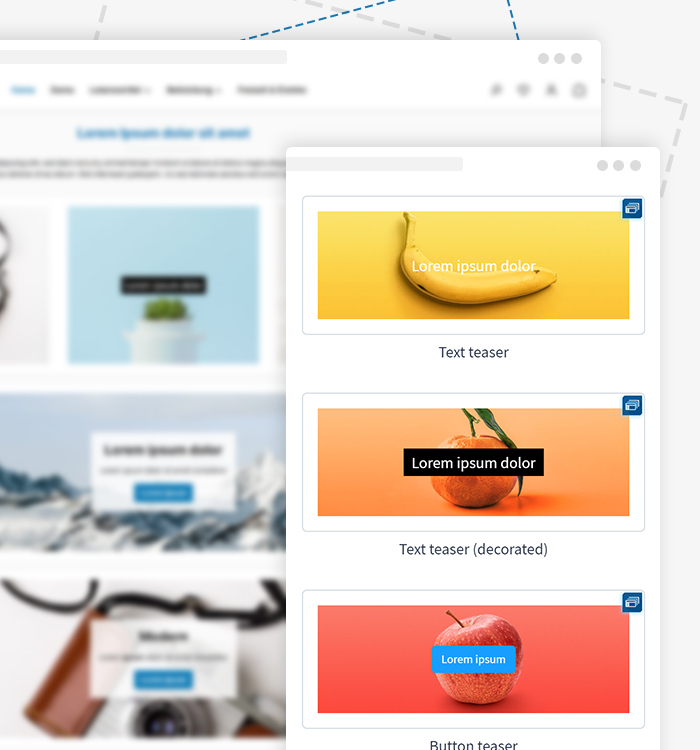
With ThemeWare® teaser blocks, you can place your content clearly and easily within your Shopping Experience.
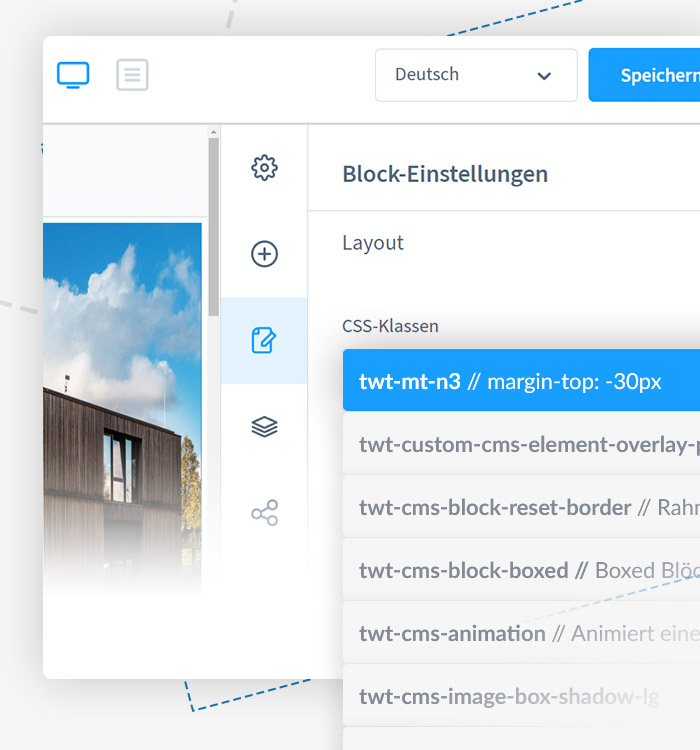
Make your Shopping Experiences even more unique with additional CSS classes. Surprise your customers with distinctive designs and leave a lasting impression.

Display the product description and reviews in a clear accordion layout for easier access.
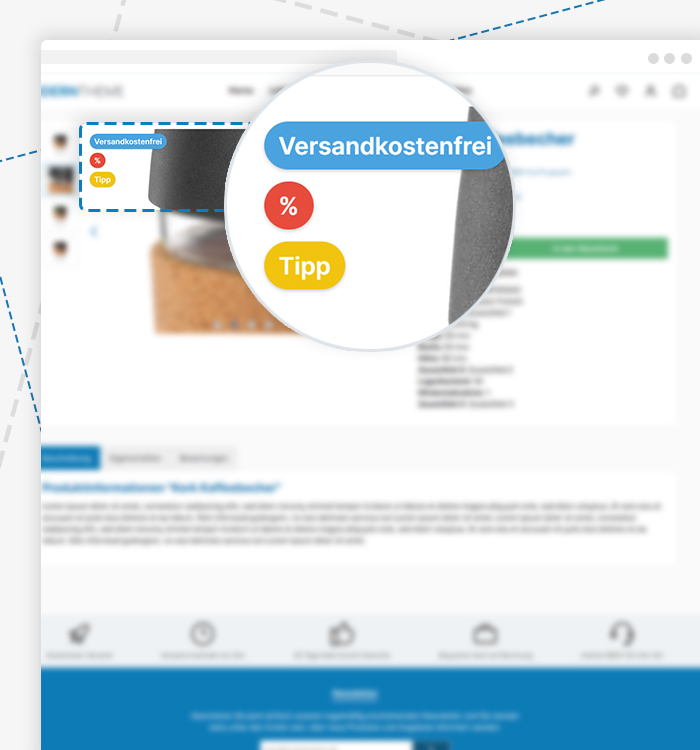
With badges on product pages, you can draw customers' attention directly to important product features and boost your conversion rate.

Technical details and specifications available as a clear PDF download – easily accessible directly on the product page.
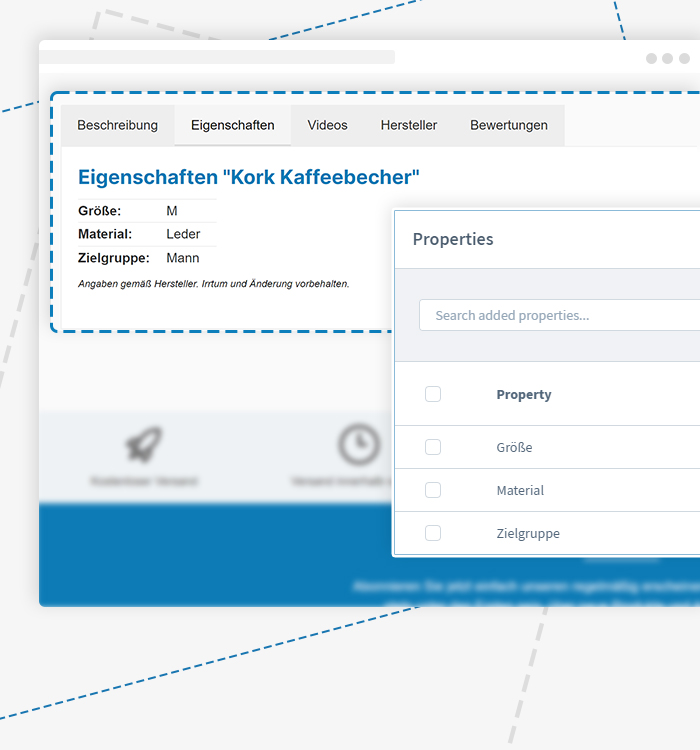
Do your products have many properties? Then place the properties table on product pages in a separate tab.

Manufacturer information as a tab on product pages.
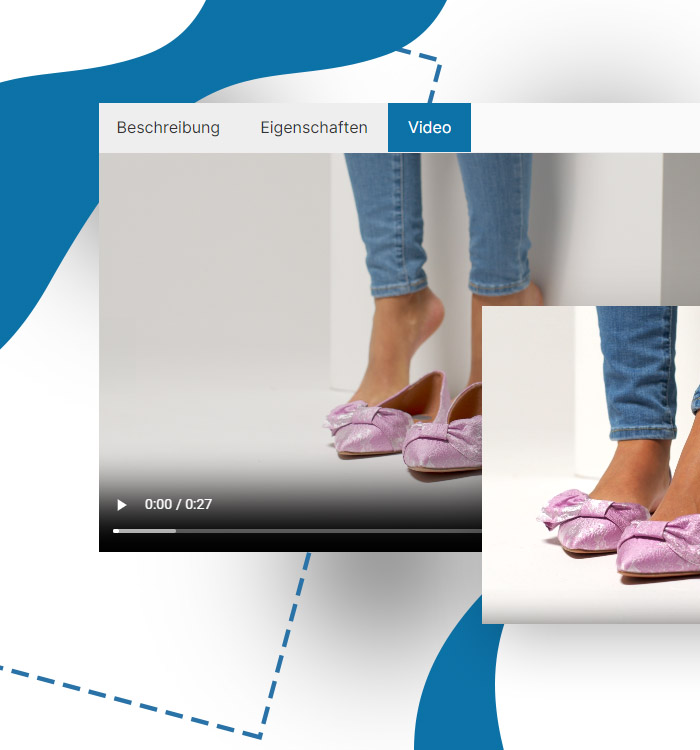
Integrate HTML5 videos directly in the description tab to present your products in a visually appealing and interactive way.
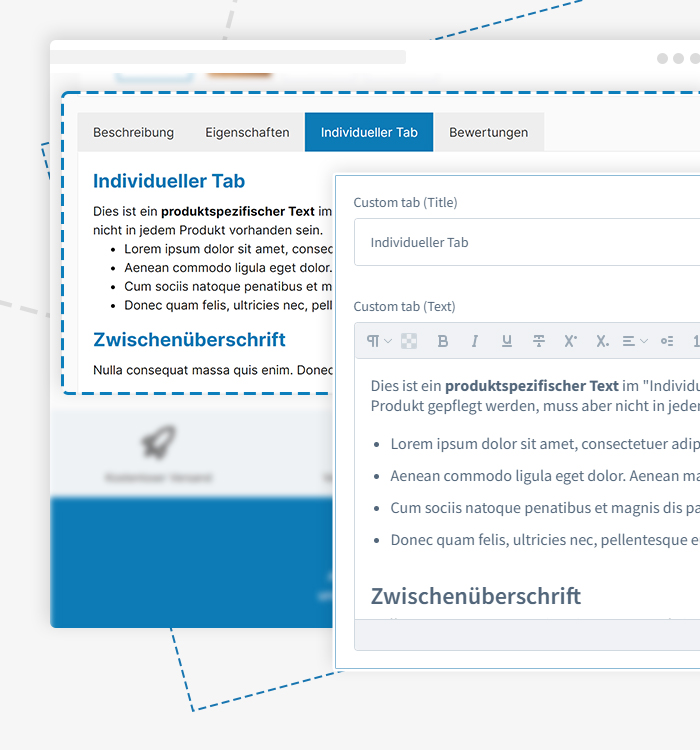
Personalise your product pages for each product with custom information, offers and more.
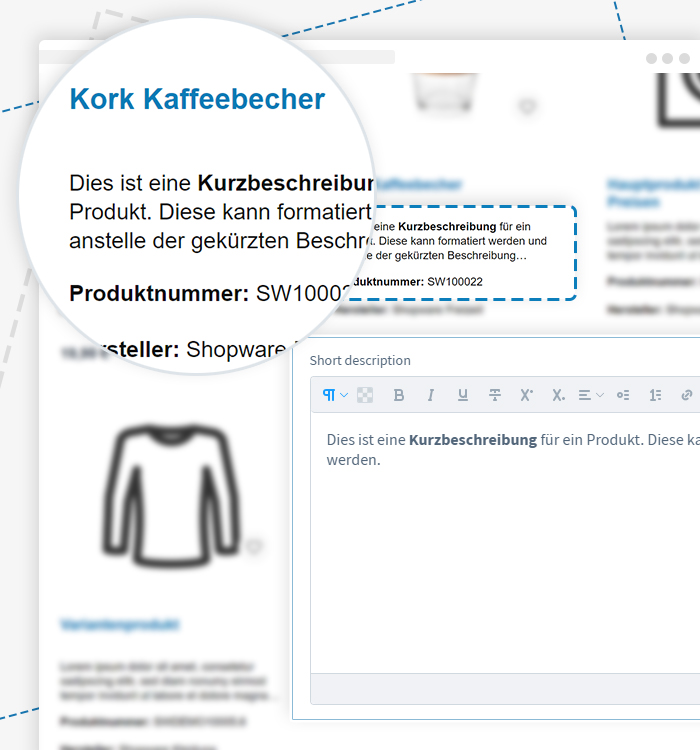
Give your products a personal touch with the short description in the buybox and boost your sales.
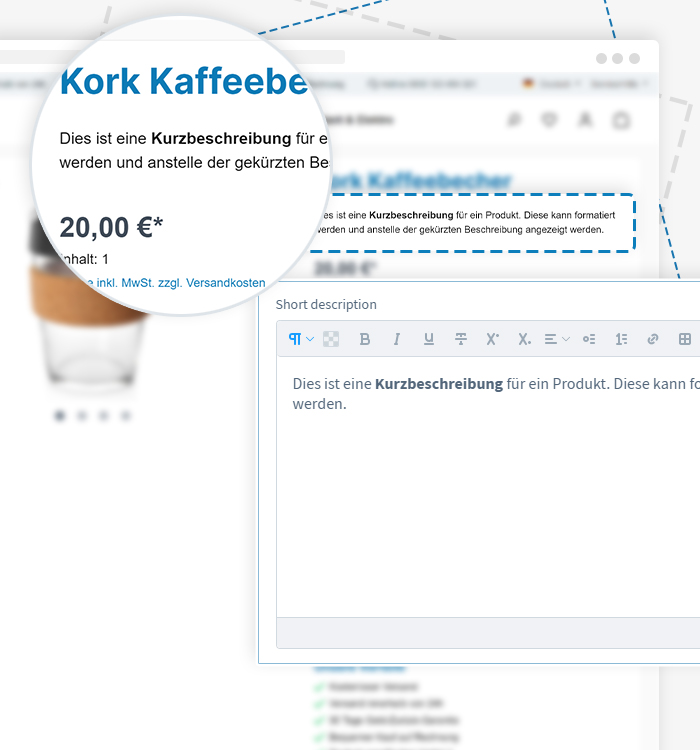
Present key information at a glance and significantly increase your sales opportunities.
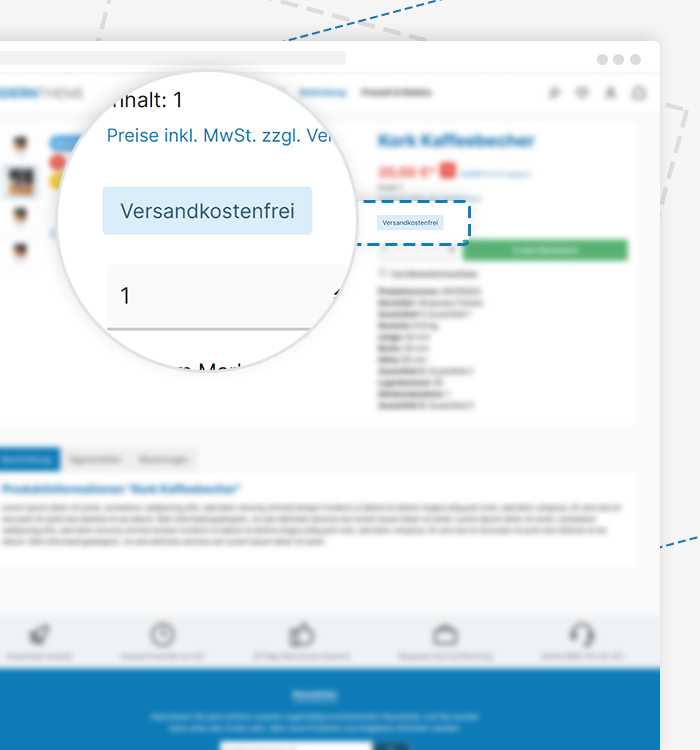
The benefits of free shipping, available stock and special offers are immediately visible to customers.

In addition to global store benefits, product-specific benefits can be displayed on product pages.
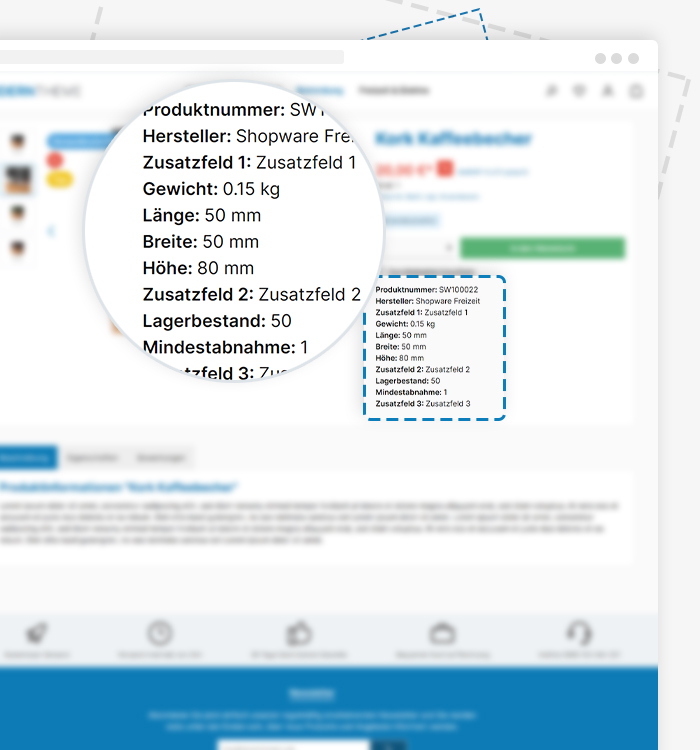
Display various product specifications (length, width, height, weight, manufacturer, manufacturer no., EAN, etc.) on product pages.
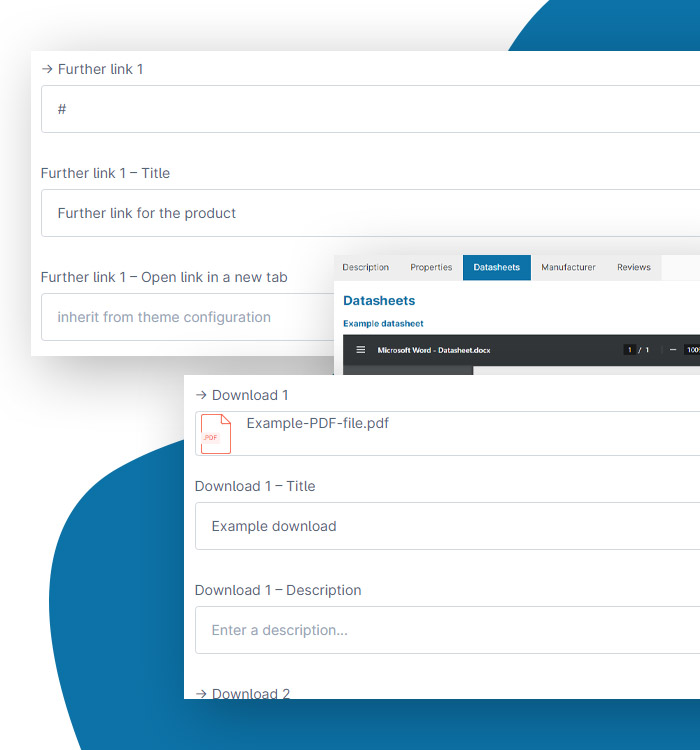
Use product custom fields and tabs for additional links, comments and downloads for extended information.

You have full control over colour configuration, image size and alignment, and can even add product videos to impress your customers. Display essential information such as manufacturer, weight and much more.
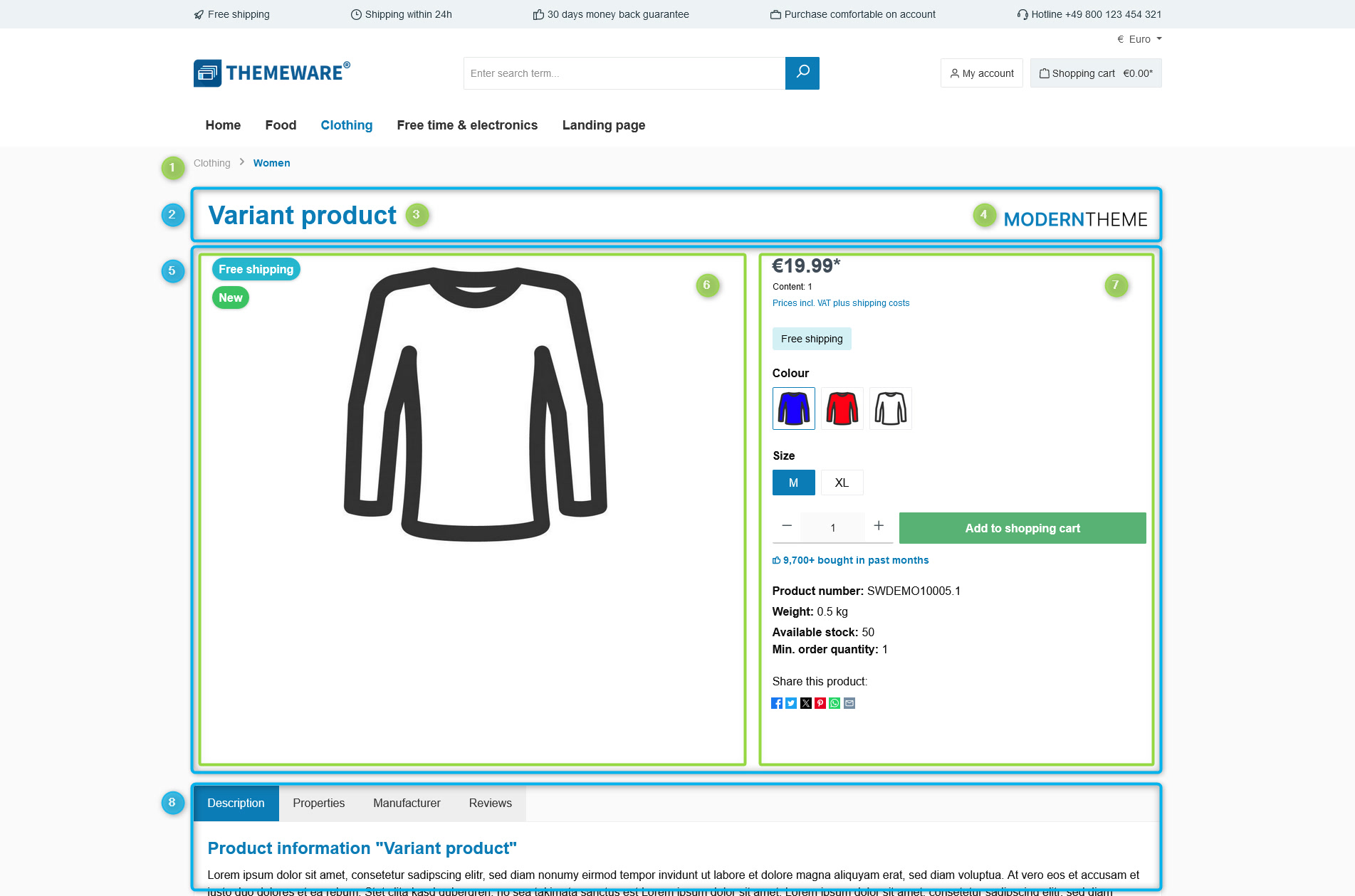
Create custom product page layouts with versatile elements and blocks for maximum flexibility.
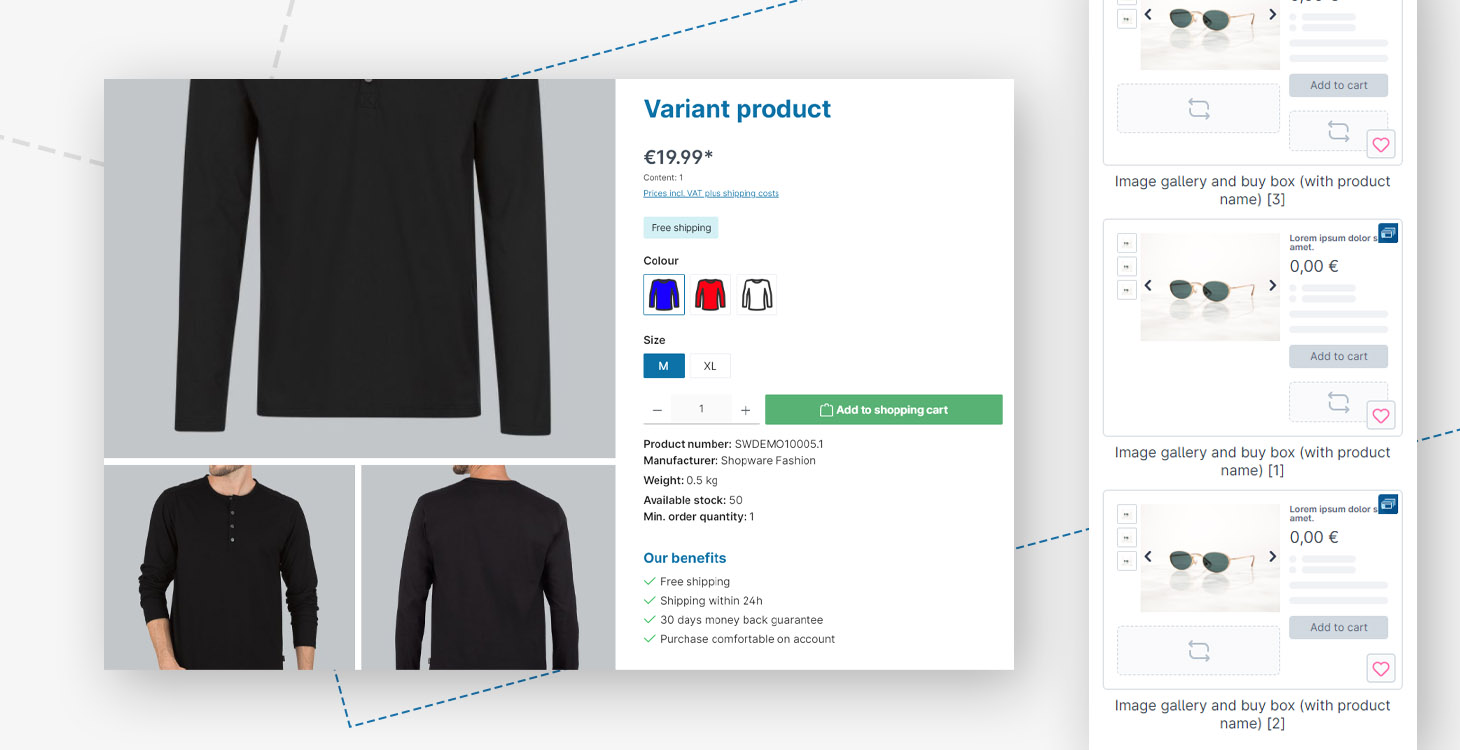
The product gallery and buybox remain visible while scrolling for a more comfortable shopping experience.

YouTube and/or Vimeo videos as a tab on product pages.

Display product-specific benefits or general store benefits on product pages.
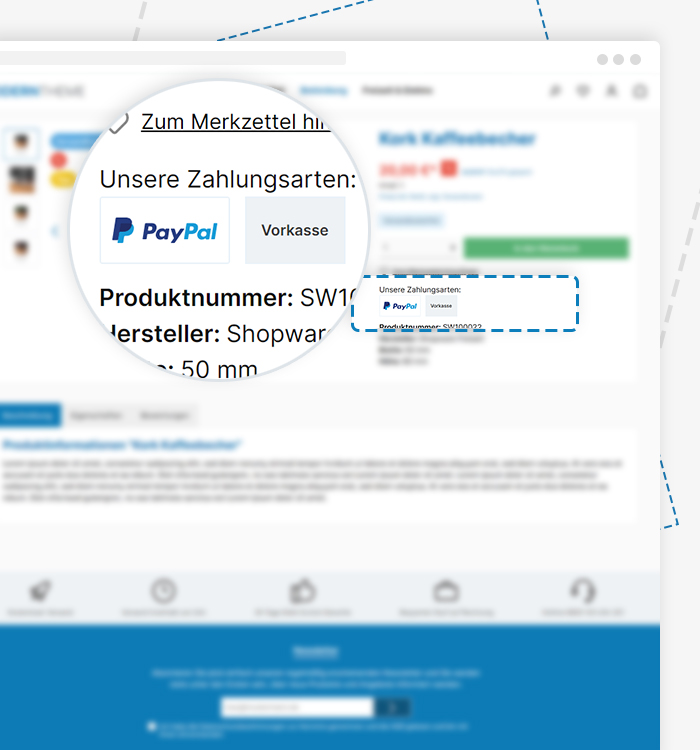
Place payment method logos of your store on product pages.
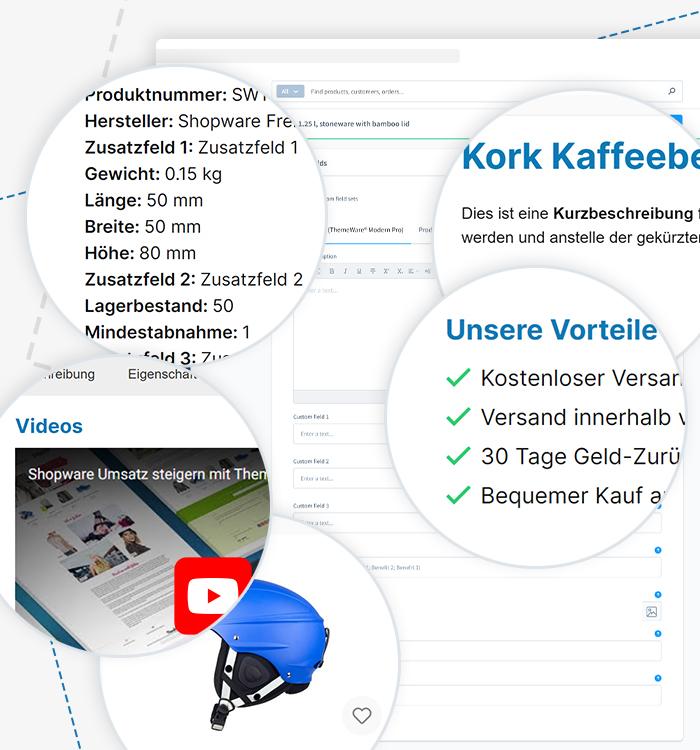
Through various custom fields, you can add videos, a short description, additional information, a hover image and product benefits, all displayed in the storefront.
Sold-out items are visually faded in the listing to shift focus to available products.
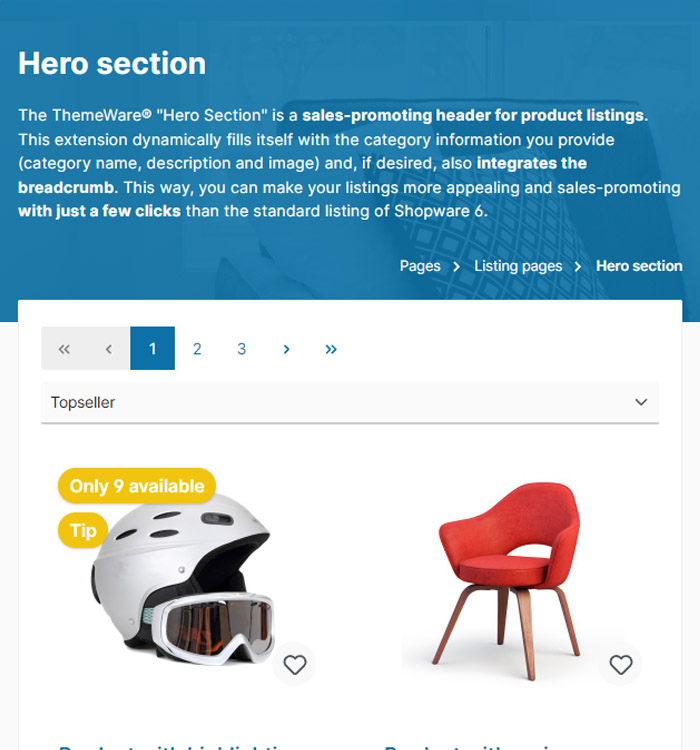
Create a dynamic category header with the hero section for an impressive presentation of your categories.
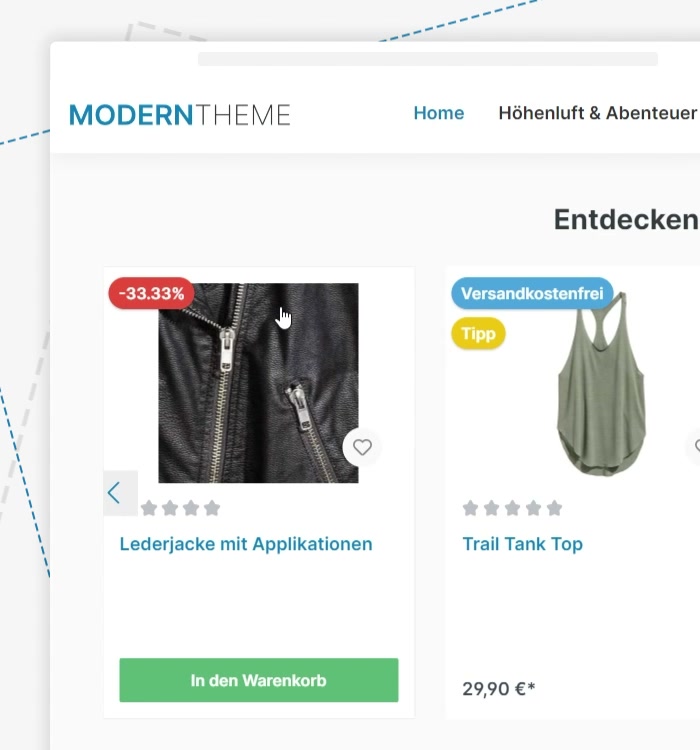
Increase your customers' attention on your products with the hover image. Convince with an additional product view and increase the chance of a purchase.
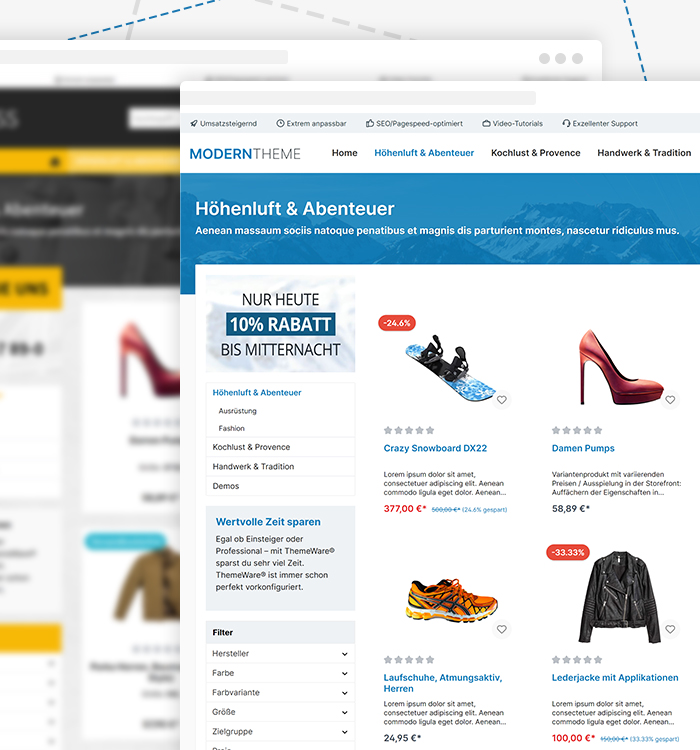
Clear presentation of your product categories for a better shopping experience for your customers.
Choose from various display options for product filters and optimise the filter navigation.
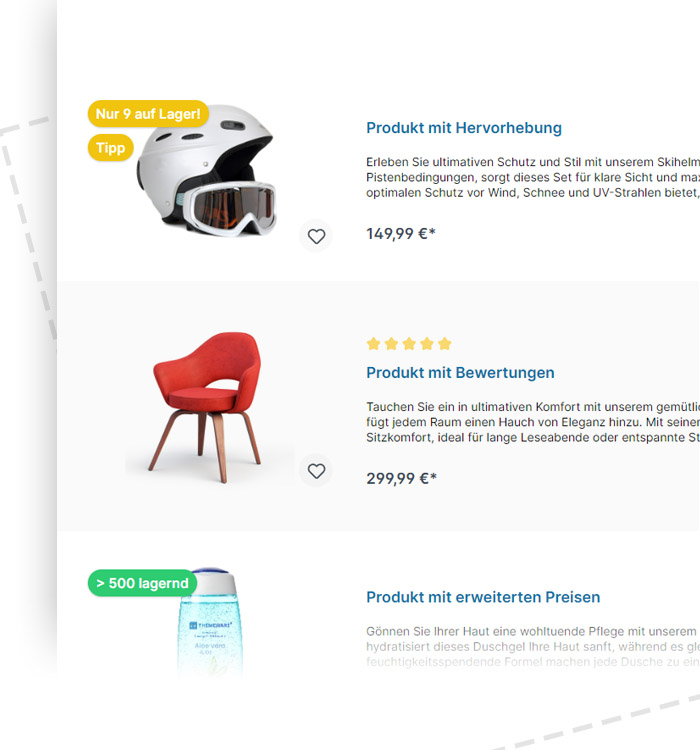
Enables a compact list view for product boxes to display products clearly and in a space-saving manner.
Enable quantity selection directly in the listing to quickly add multiple items to the shopping cart.

Showcase your products effectively with product badges in the listing.
Add attractive hover effects to product boxes in the listing for a more interactive shopping experience.
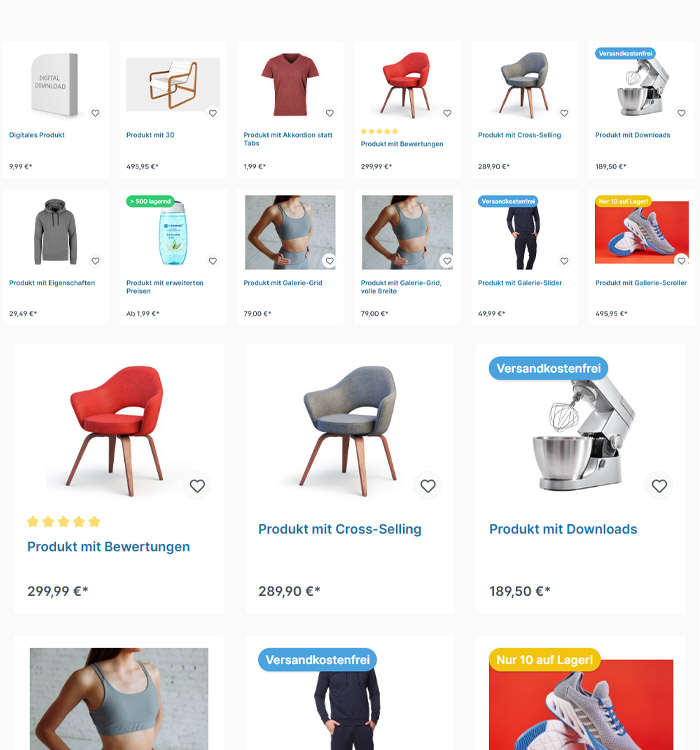
Configure the number of product boxes per row for an optimal display in your store.

Maximise clarity and traceability of your products in the online store by integrating product numbers and manufacturer names into your category listings.
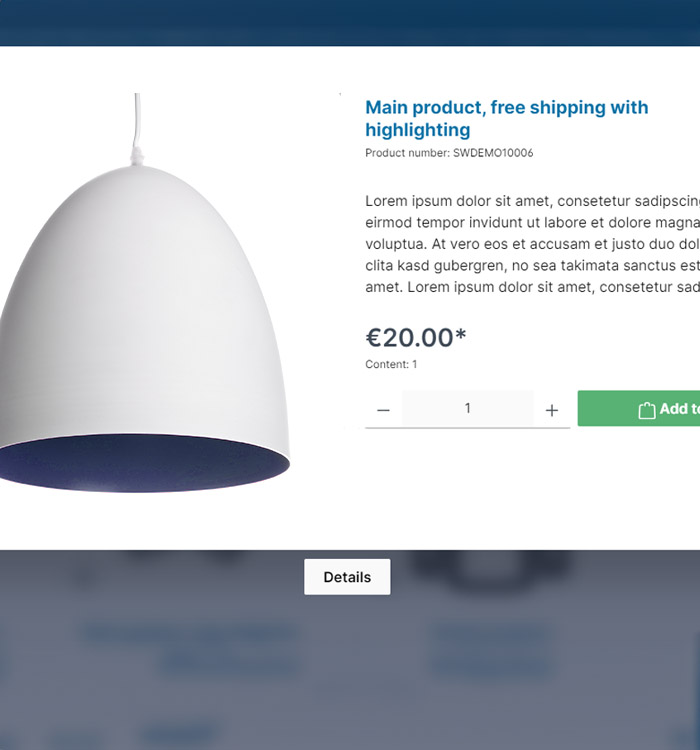
Offer a quick view for products directly in the listing to help customers make faster purchasing decisions.

Display subcategories directly in the product listing for quick navigation through your product range.
BFSG-compliant adjustments for an accessible storefront in accordance with WCAG guidelines.
The Shopware 6 Storefront is built on the Bootstrap framework. Thanks to our HC-Architecture®, ThemeWare® is naturally fully compatible with Bootstrap as well.
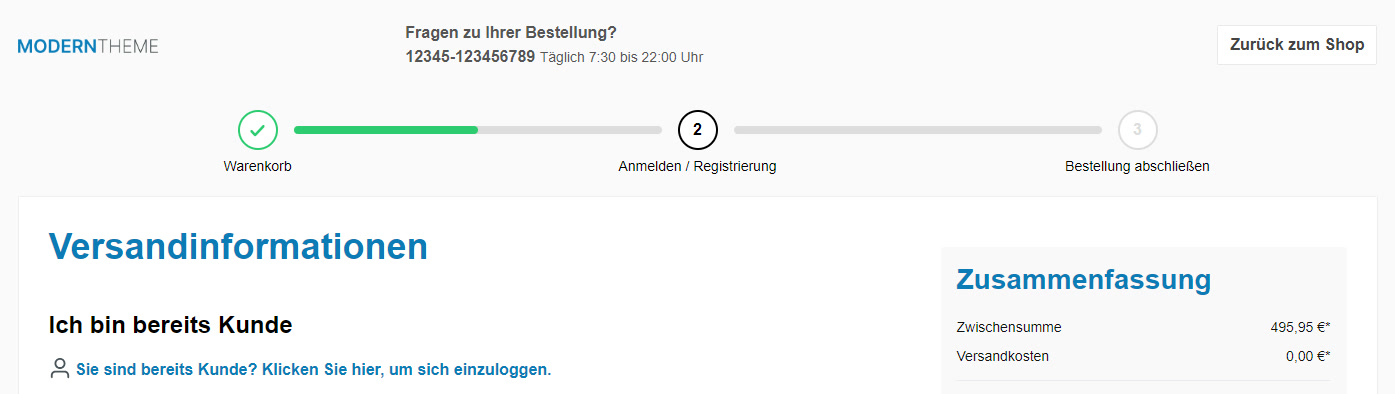
A clear checkout with well-defined steps ensures higher conversion rates and fewer cart abandonments.

Impress your visitors with professional cookie notices. Choose your preferred layout from 8 different display options.
Advanced CSS configuration options for experts to customise your store individually.
Activate debug mode for quick troubleshooting of theme issues.
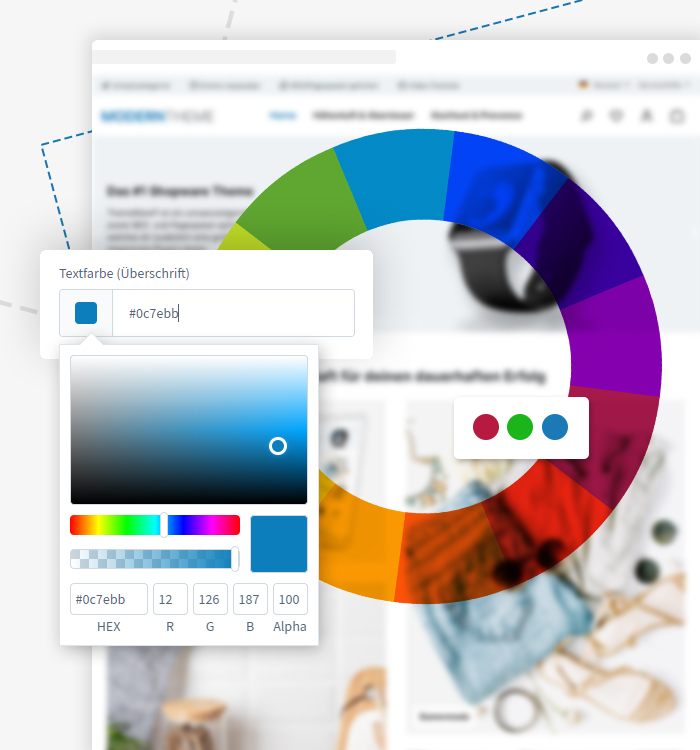
Nearly unlimited colour customisation. Adjust your theme's colour scheme to match your vision with just a few clicks.

Choose from 10 curated and locally installed fonts. GDPR-compliant integration of custom or Google Fonts is also available.
Configure custom background images for your store and give it a unique look.

More than 1,350 configuration options that leave nothing to be desired – and the number keeps growing.
Add your own CSS code to fine-tune your store's design down to the pixel.
Extend your store with custom JavaScript code for bespoke functionalities.
Images are only loaded when scrolled into view for faster load times and better performance.

The frontend and backend are multilingual out of the box, available in German and English. Easily add more frontend languages and use them across any number of sales channels.
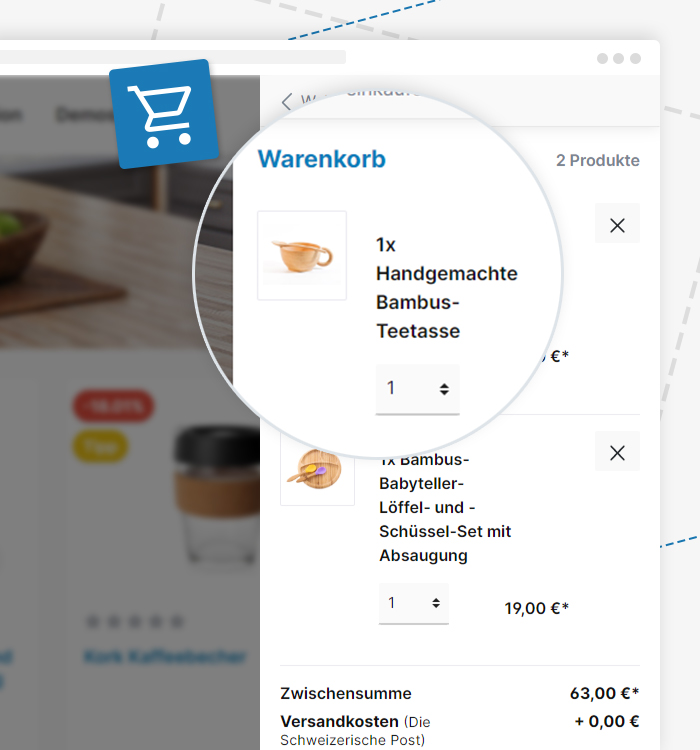
Everything in a clear sidebar with voucher field and shipping cost overview to boost your orders!
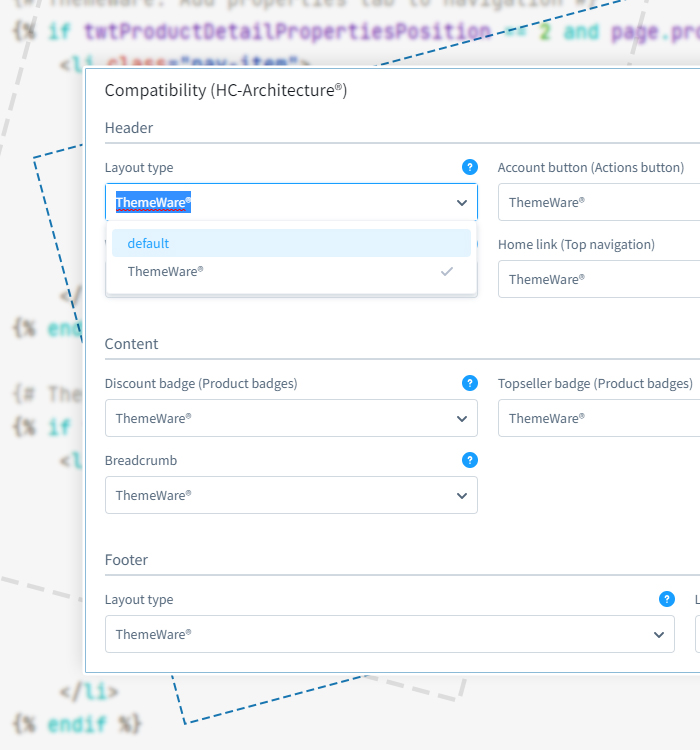
Thanks to this architecture, ThemeWare® is inherently highly compatible with almost all Shopware plugins. Should an incompatibility occur, you can resolve it yourself with just a few clicks by simply disabling the respective feature area and falling back to the Shopware default.
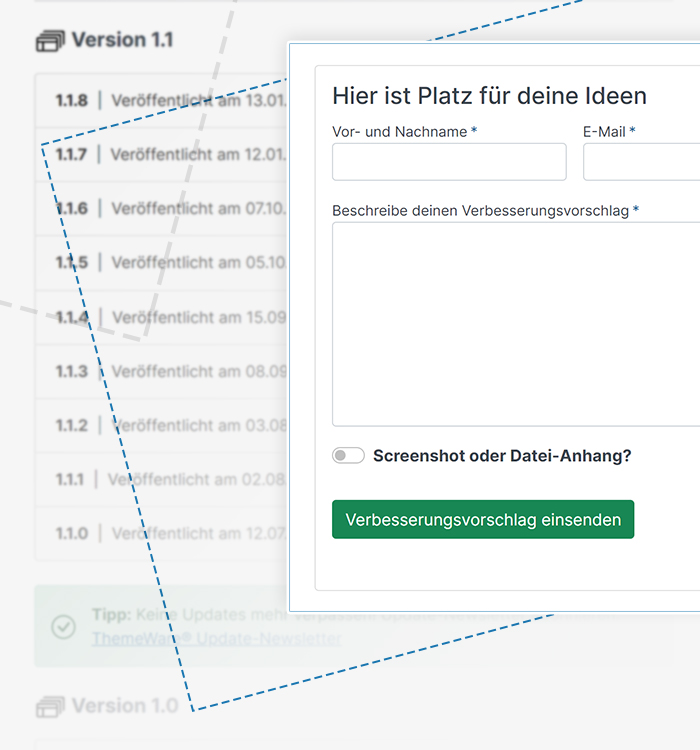
All this and much more is what you get with ThemeWare®. On top of that, you benefit from continuous development with extremely regular updates. More than 250 speak for themselves!
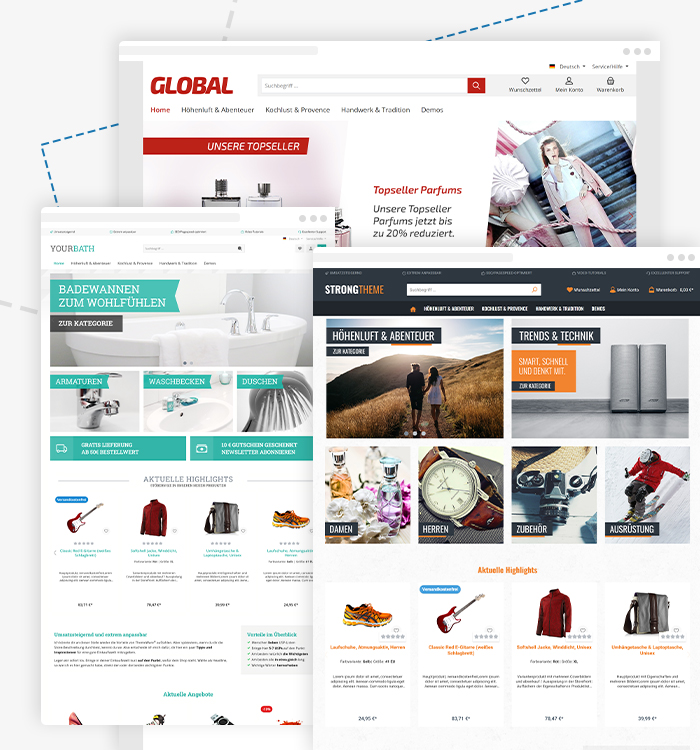
3 base layouts to choose from: Wide, Boxed and Fullwidth Layout
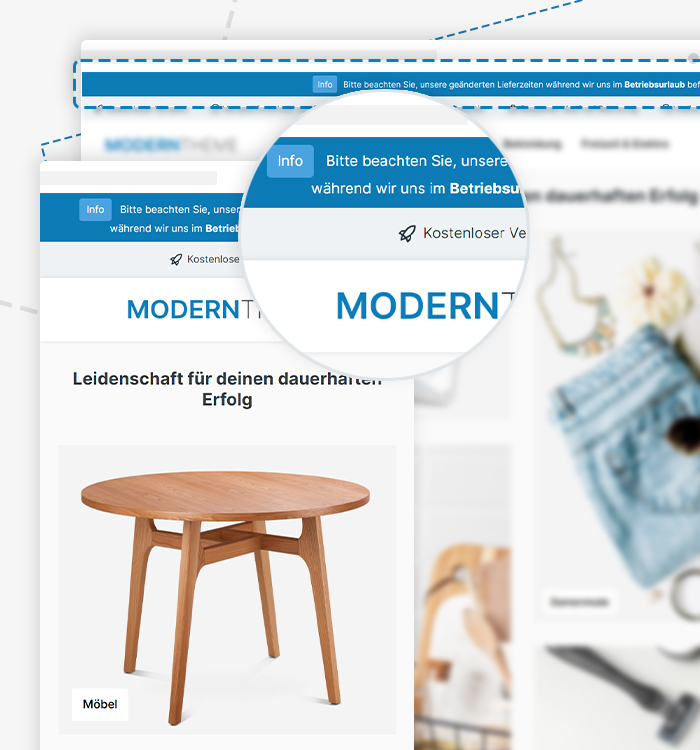
With the announcement banner in the header, you can quickly and effectively inform your customers about current offers, new arrivals or events.

Customise your store logo individually with size, position and display options.
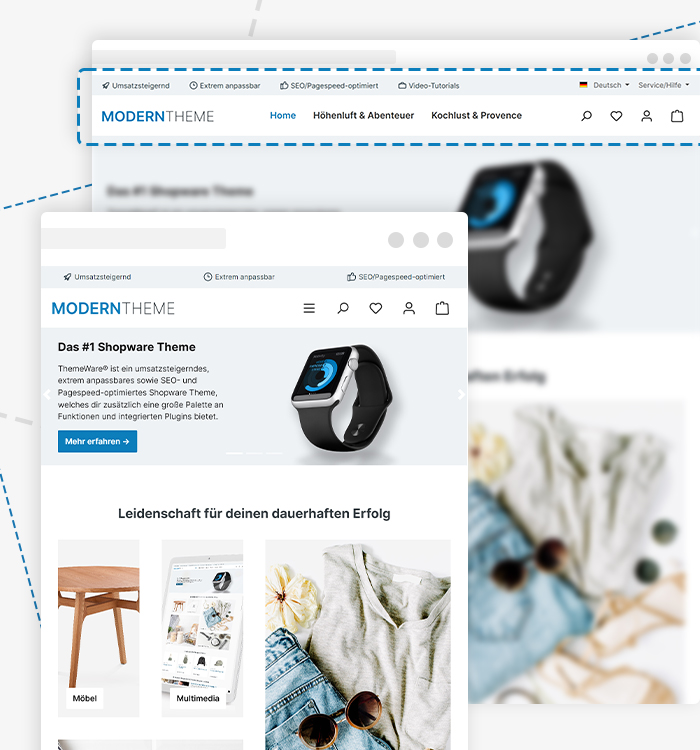
A modern and particularly compact header layout provides a clean look that puts the focus on your product worlds.
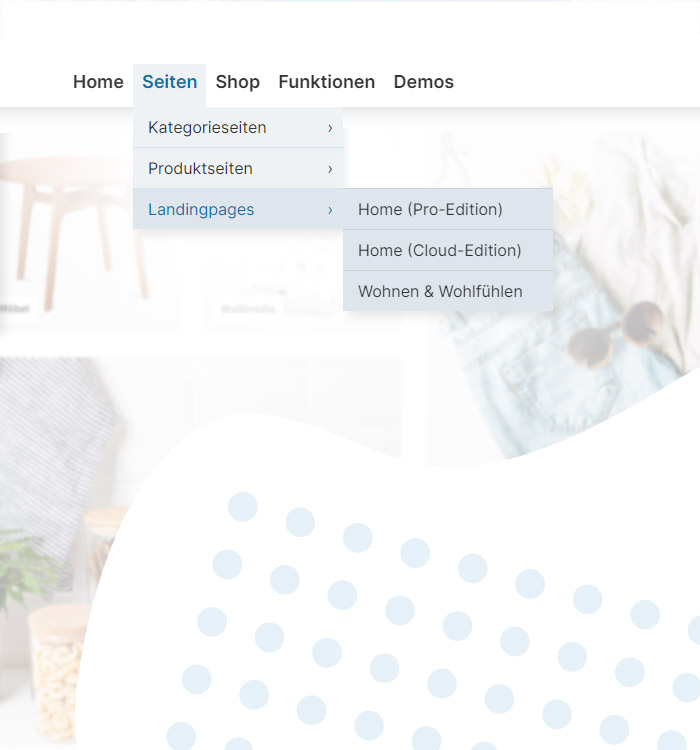
A compact dropdown menu that enables clear and intuitive navigation in the top bar to improve usability.
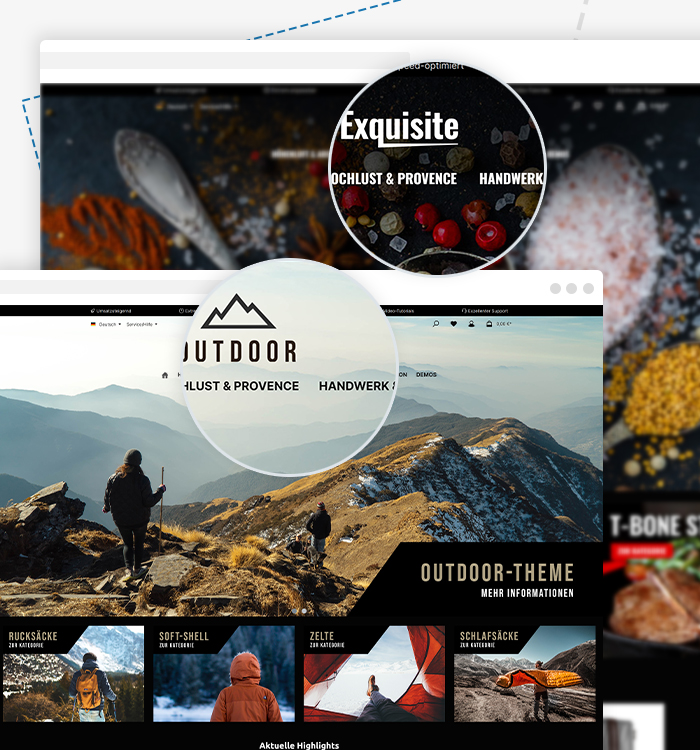
A modern and visually striking header option is the ThemeWare® Shopping Experience Header. Here, the header overlays the Shopping Experience on the homepage and optionally in categories. This creates a highly individual look, especially in combination with the underlying image element or image slider.
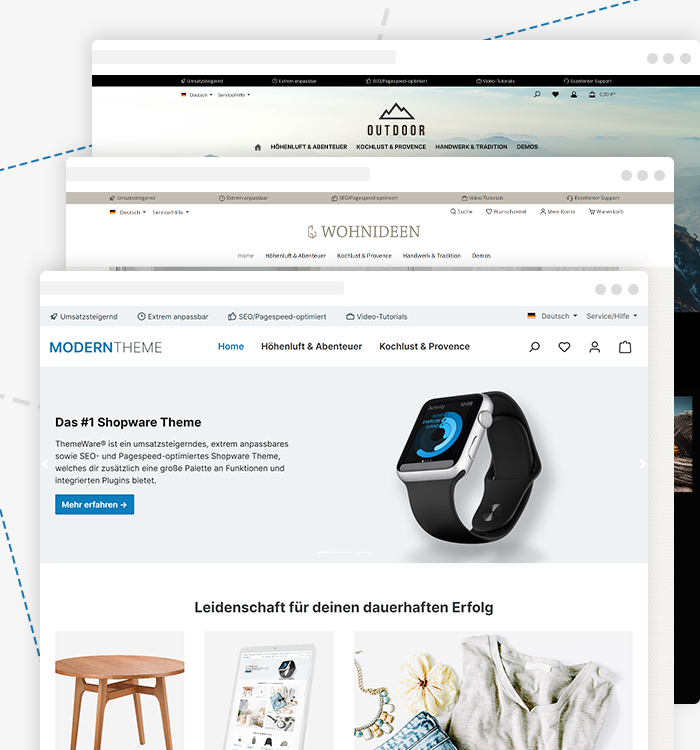
Choose from various header layouts – with different focus areas such as product search or the store logo – and customise them to your liking. Standard layouts ensure maximum plugin compatibility within the HC-Architecture® framework.
Upload a custom icon for the homepage in the header and category navigation.

Highlight individual categories in the top navigation with colour to draw attention to promotions or new arrivals.
Various layouts for category navigation enable an optimal display of your store structure.
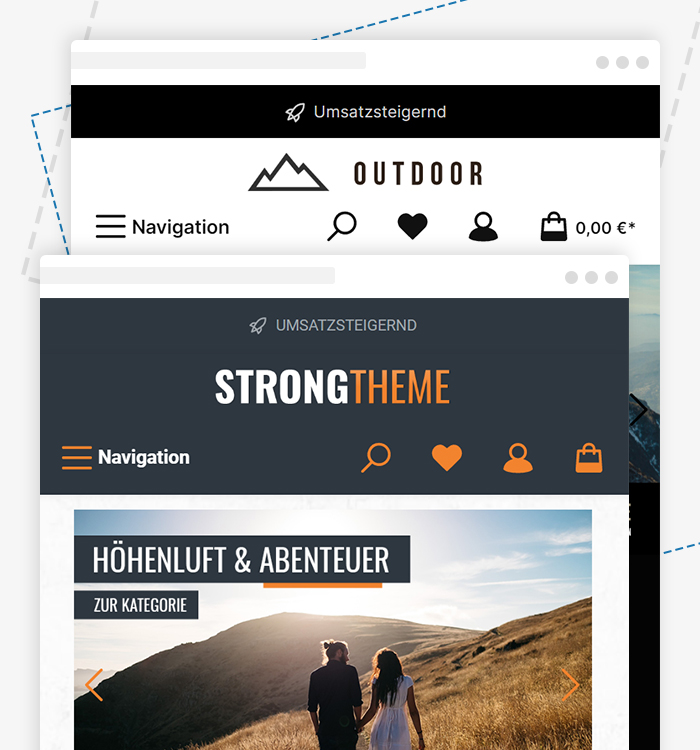
Our mobile-optimised header ensures a seamless shopping experience across all devices.
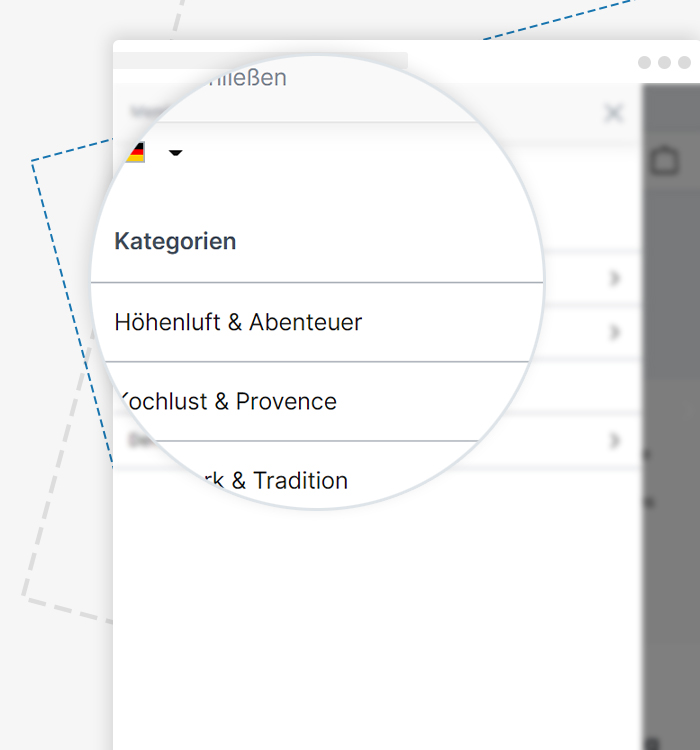
Maximise usability with offcanvas navigation – a fast and intuitive way to structure content.
Add a service navigation in the header for quick access to important store pages.
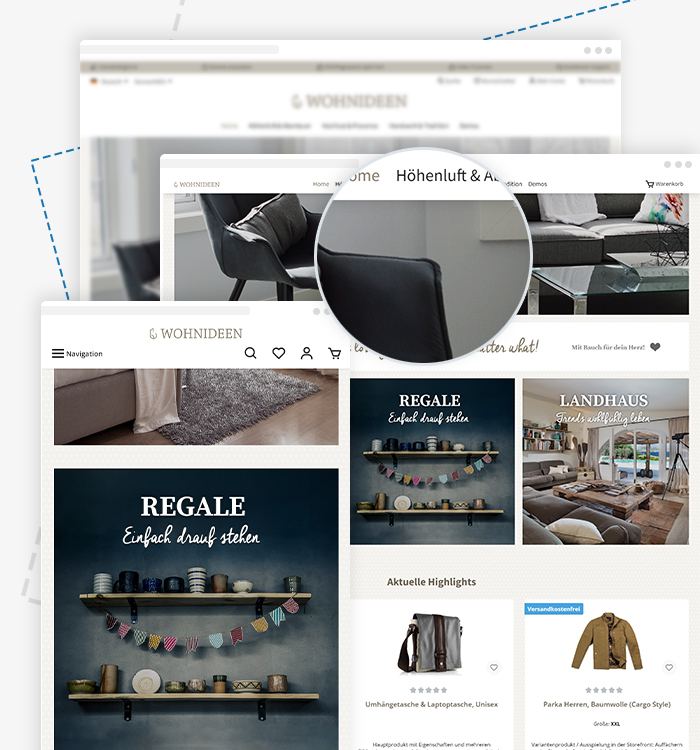
The fixed positioning keeps the navigation elements always visible, enabling easy navigation through the store regardless of how far your customers scroll down.

With our innovative search options, your visitors find your products quickly and easily. Efficient shopping guaranteed!
Use a text logo as an alternative or supplement to your image logo for a clean look.
An optimised flyout navigation with advanced display options for better desktop navigation.
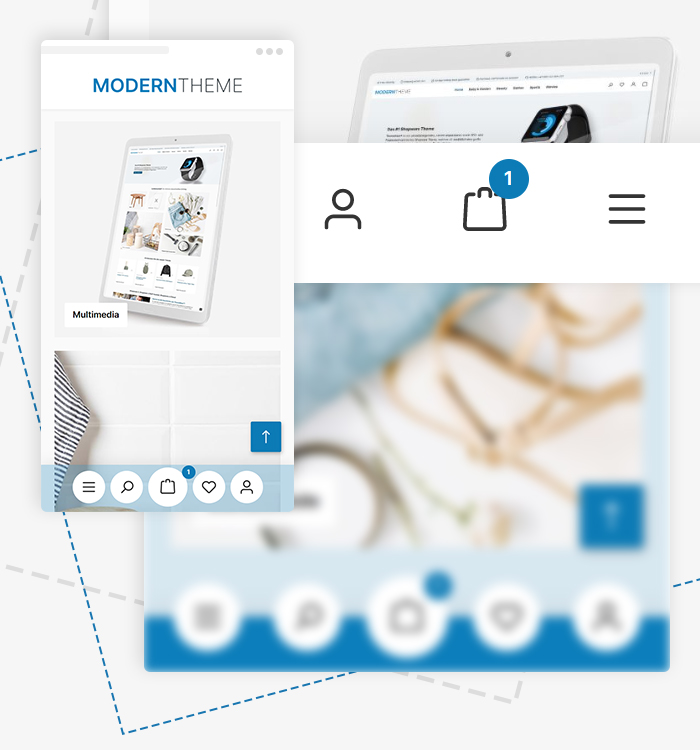
Optimise your sales experience for thumb-friendly customer access and benefit from our customisable mobile optimisation options.
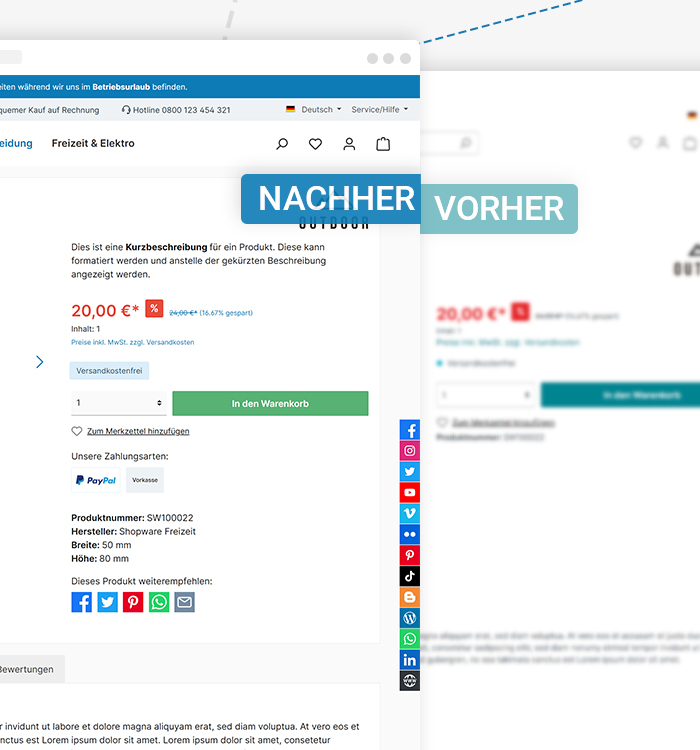
Extensions give you the ability to present your products even more attractively and generate more revenue. Use the custom announcement banner, product badges or the benefits display on product pages.
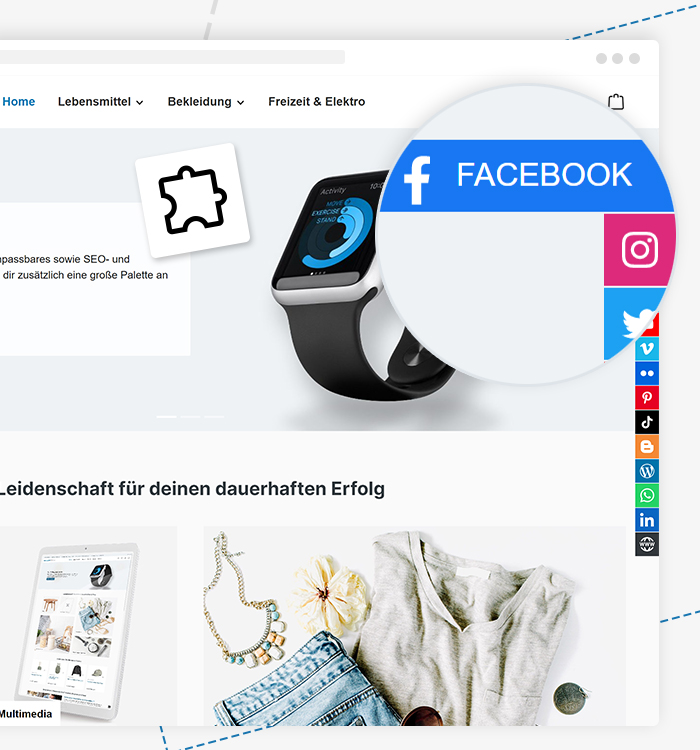
Display floating social media icons on the side of the page for permanent visibility of your channels.
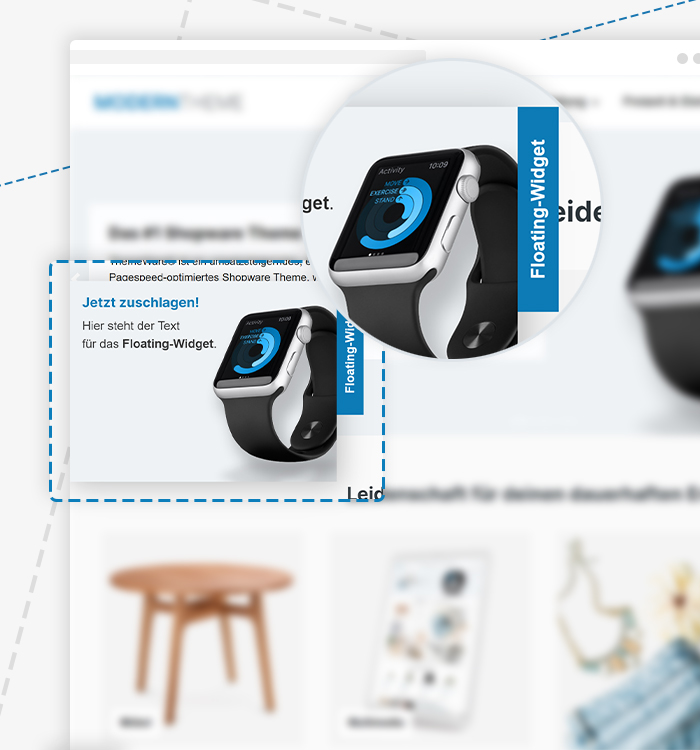
The floating widget keeps important features always in view without distracting the user from the current content.
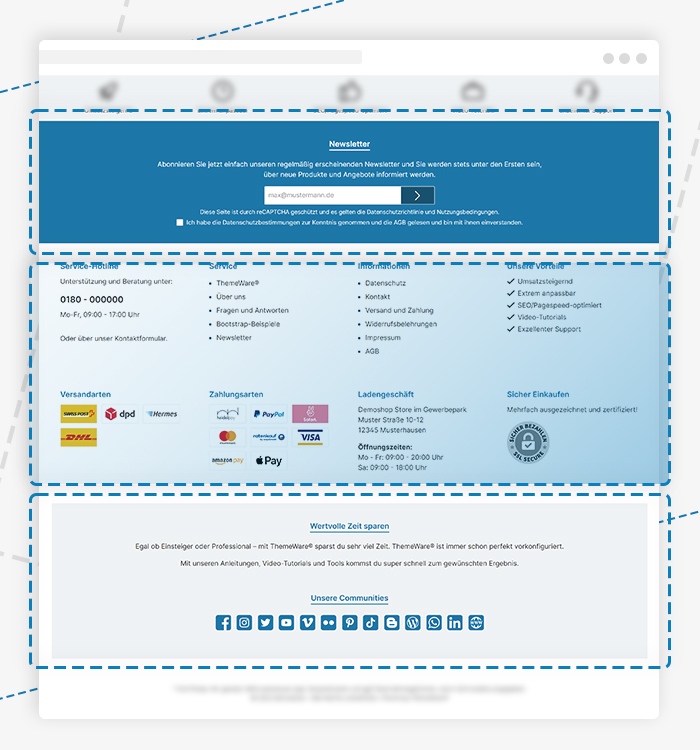
The footer consists of 3 main sections that can be individually designed and populated. You can also simply use just one section.

Give your online store the ultimate wow effect with fully customisable footer settings for countless footer variants. Maximise customer retention with an optimal footer with minimal effort.
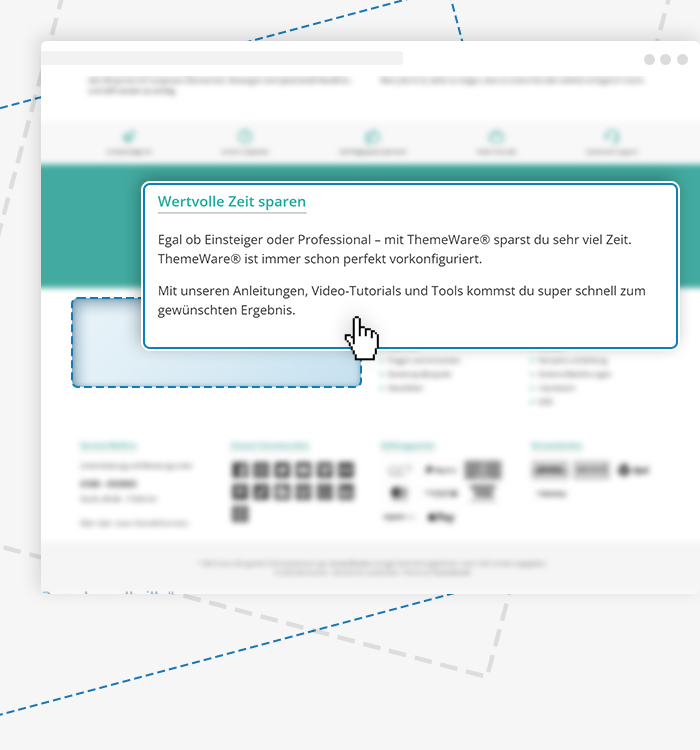
Each footer column can be filled with various footer elements (e.g. newsletter, payment/shipping method logos, benefits and more).
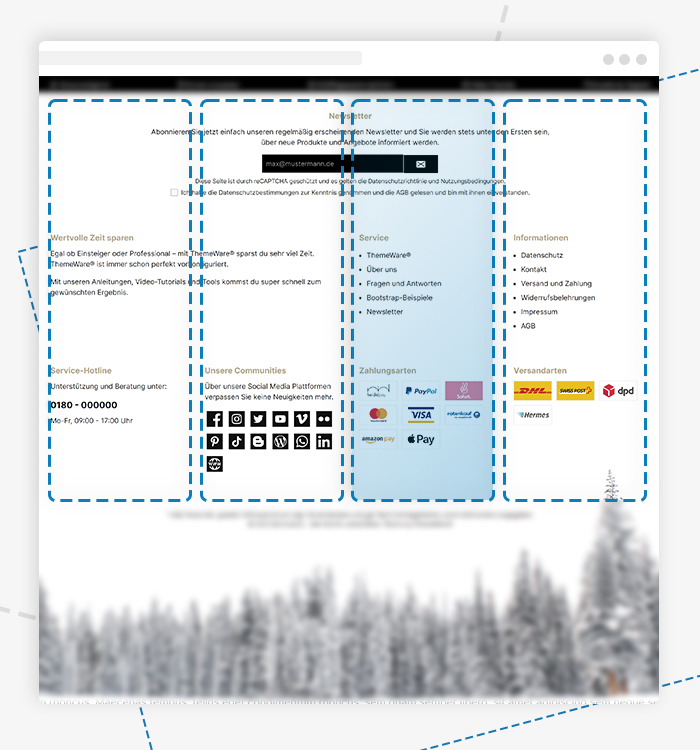
Each footer section can be designed with various columns in different sizes.
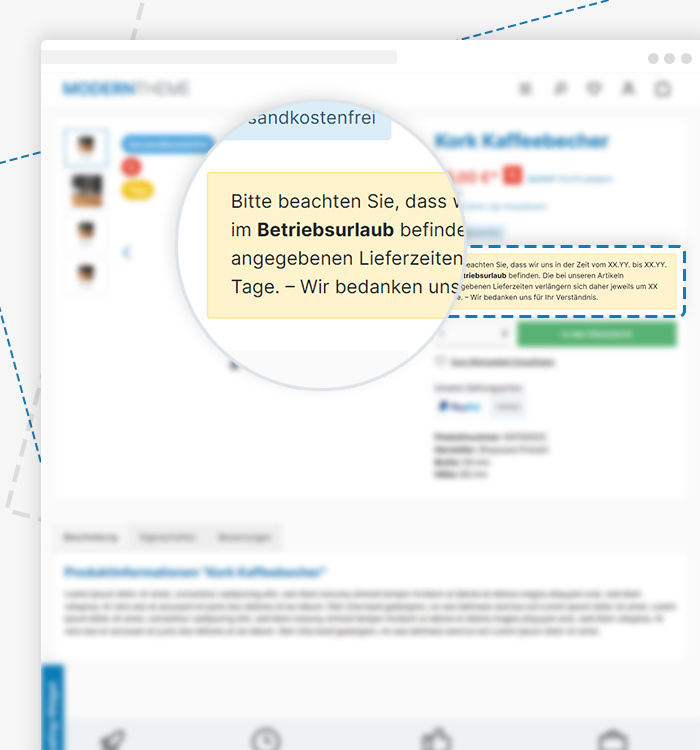
With flexible design options for text, start and end date, as well as placement on the product page and in the checkout.
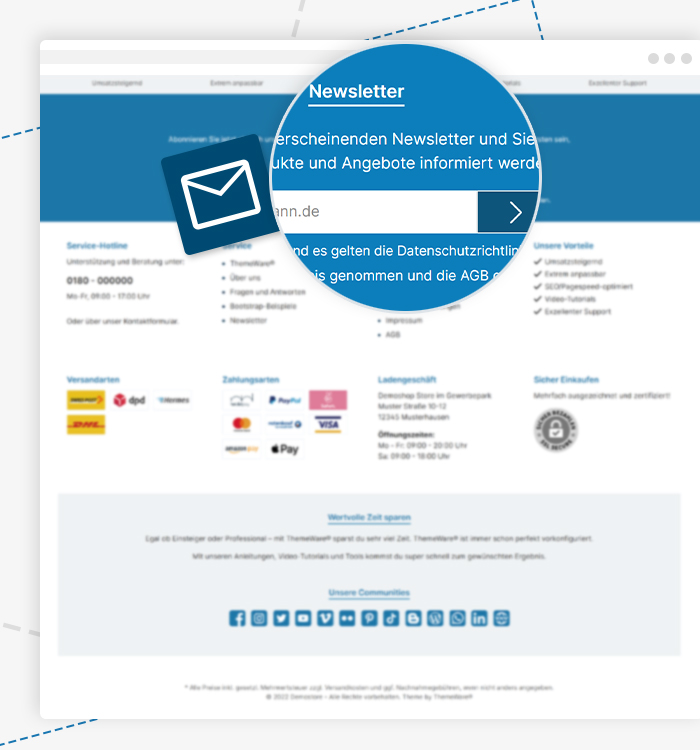
Place a newsletter sign-up form in the footer with just a few clicks.
Our scroll-to-top button is simple, effective and ensures a pleasant user experience.
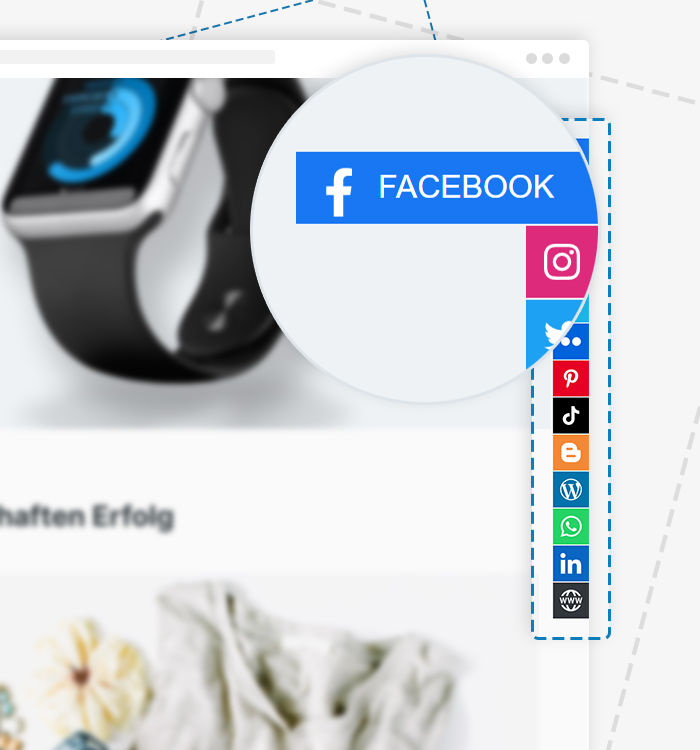
Experience a new dimension of community interaction with slideout communities.

Integrate your social media channels such as Facebook, Instagram, Twitter, YouTube, Vimeo, Flickr, Pinterest, TikTok, Blogger, Blog (WordPress), WhatsApp, LinkedIn or your website with just one click.
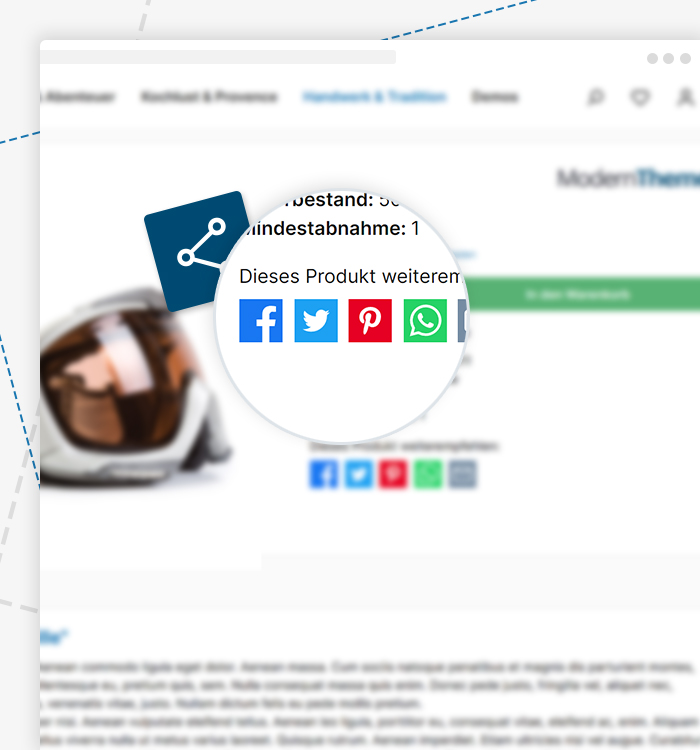
Allow your customers to share your products safely and easily across communities.

Configure up to 6 unique USPs with individual colour, icon, text and font. Optimise the presentation in the header or footer with small or large icons.
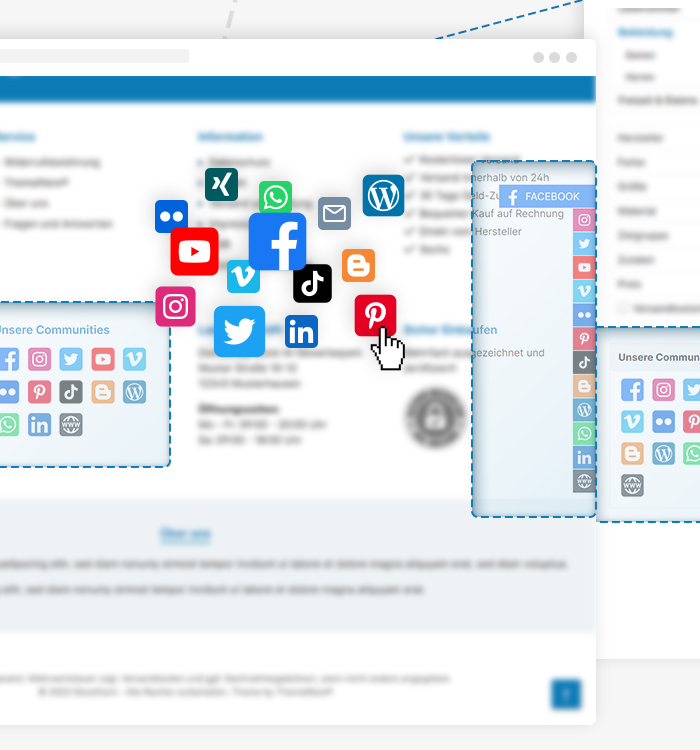
Experience more control and flexibility in your online store with ThemeWare® Widgets. Configure widgets such as "About Us", "Footer Navigation", "Payment and Shipping Methods", "Social Media", "Benefits" and more to your liking and place them in various locations throughout your store.
From the free standard theme to the professional solution — compare all options at a glance.
| Feature comparison | Standard Theme Shopware |
FreeTheme Free |
ThemeWare® Pro from €49/month |
ThemeWare® Cloud from €39.00/month |
|---|---|---|---|---|
| Plugin features | 0 | ~10 | 87+ | 87+ |
| Layout variants | 1 Basic | 1 Premium | 10+ Premium | 1 Premium |
| Theme configurations | ~20 | ~50 | 1,350+ | 1,350+ |
| Shopping Experience blocks | 50+ | 25 | ||
| Shopping Experience elements | 35+ | |||
| Online courses included | ||||
| Code customizations | ||||
| Updates | Standard | Regular | Prioritized | Regular |
| Support | Community | User | Developer (24h) | Developer |
| Scalability | ||||
| Best choice for | Tests | Start | Pros & Growth | Cloud-Shops |
| Discover Pro | Discover Cloud |
All ThemeWare® editions can be tested free and without obligation for 30 days. ThemeWare® is available for you as a Pro edition (Self-Hosted) and Cloud edition (Shopware Cloud).
ThemeWare® offers unique performance, accessibility, best practices and SEO — for maximum Google rankings and fastest loading times.
Test it yourself →PageSpeed Insights
Choosing the right Shopware theme significantly impacts the success of your online shop. When doing a Shopware theme comparison, you should pay special attention to customizability, included extras, performance and long-term support. A good Shopware design is not only visually appealing, but also sales-boosting, responsive and search engine optimized.
ThemeWare® clearly stands out in the Shopware design comparison: With 1,350+ configurations, 10+ design variants and 87+ included plugin features, it offers the most comprehensive all-in-one package on the market. On top of that, it includes online courses, professional shopping experiences and a PageSpeed score of 100/100.
The standard Shopware template provides a solid foundation, but is intentionally minimalistic. It is suitable for initial testing, but leaves a lot of potential untapped when it comes to customization, sales promotion and search engine optimization. A professional Shopware 6 theme like ThemeWare® greatly extends the feature set: Individual header layouts, configurable footers, sticky navigation, CSS animations and dozens of CMS blocks for shopping experiences are included from the start — without having to purchase additional plugins.
Anyone looking to buy a Shopware theme should think beyond just the design. The key factors are: How many configuration options does the template offer? What about Shopware 6 performance and Google PageSpeed scores? Are there regular updates and professional developer support? And how compatible is the theme with common Shopware plugins? ThemeWare® answers all these questions with HC-Architecture® — an architecture that ensures maximum plugin compatibility while achieving a perfect 100 points in the Google Lighthouse test.
Over 70% of online purchases start on a smartphone today. A responsive Shopware template is therefore not optional, but essential. ThemeWare® is optimized for all screen sizes from the ground up — from desktop to tablet to smartphone. All 10+ design variants are fully responsive and provide an optimal user experience on every device with fast loading times and accessible navigation.
Want to test ThemeWare® yourself? Experience all variants live in the demo shop, compare the editions and pricing or start directly with the free 30-day trial — no risk and no limitations.
Visit our popular Service Portal at service.themeware.design to get the ideal support and all answers to your questions. We are known for our excellent service. Try us!